
For anyone thinking of subscribing to my Patreon page and accessing the massive archive of SVG cut file projects, I have some very exciting updates!
Read on to find out more…
Read More »
For anyone thinking of subscribing to my Patreon page and accessing the massive archive of SVG cut file projects, I have some very exciting updates!
Read on to find out more…
Read More »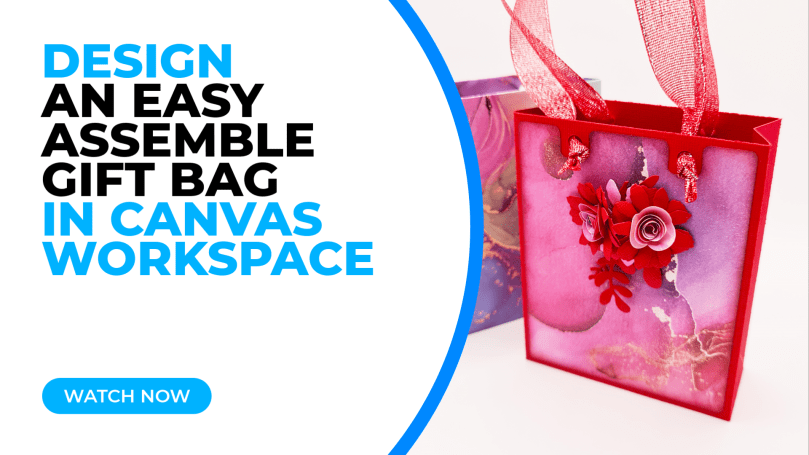
In the first of a series of video tutorials I would like to show you how to design a gift bag in Canvas Workspace for PC® and make it cut ready for the Brother Scan N Cut.
Hopefully along the way you will pick up a few tips and tricks too!
Read More »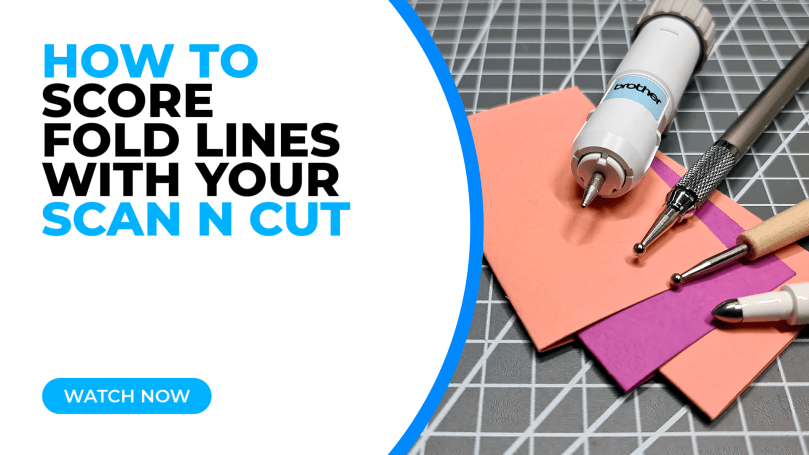
One drawback of Brother Scan N Cut machines (for some, at least) is that it doesn’t officially support the scoring of fold lines in papercraft projects. Instead we have had to rely on cutting dashed patterns, which some find unsightly.
Many folk have tried and tested a variety of “hacks” or workarounds and this is something that I have had on my “have a go at” list for some time – in fact, a VERY long time. Recently I set myself the challenge of trying out various tools for scoring fold lines in papercraft projects with my Scan N Cut – and I am very happy to be able to share those results with you today …
Read More »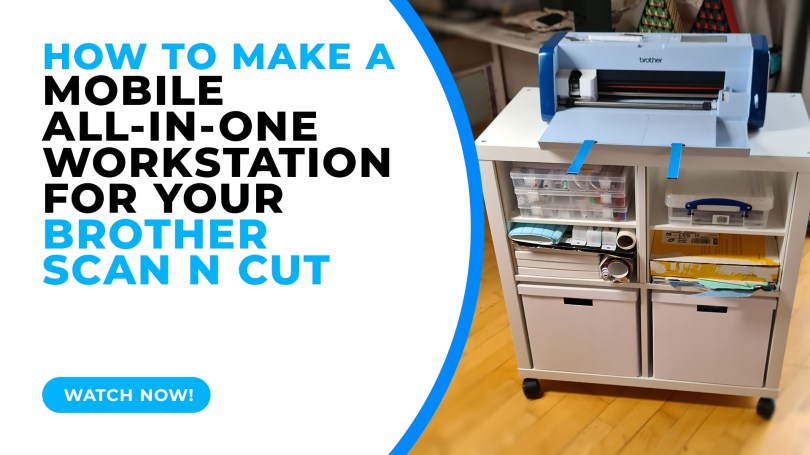
For a while now I have had an idea in my head of wanting to create a custom workstation for my Scan N Cut because I have very limited space in my open plan living arrangement – and recently decided to get more efficient with the space that I do have available – but have found the ready made metal trolleys to be a little unstable. So, I set my brain to thinking about a mobile, all-in-one unit to house my Scan N Cut, accessories and mats – and I have finally managed to create one!
It took a little planning but I am so happy with the result that I wanted to share it with you too.
Read More » For anyone thinking of subscribing to my Patreon page I have two very exciting updates for visitors to this blog!
Read on to find out more…
Read More »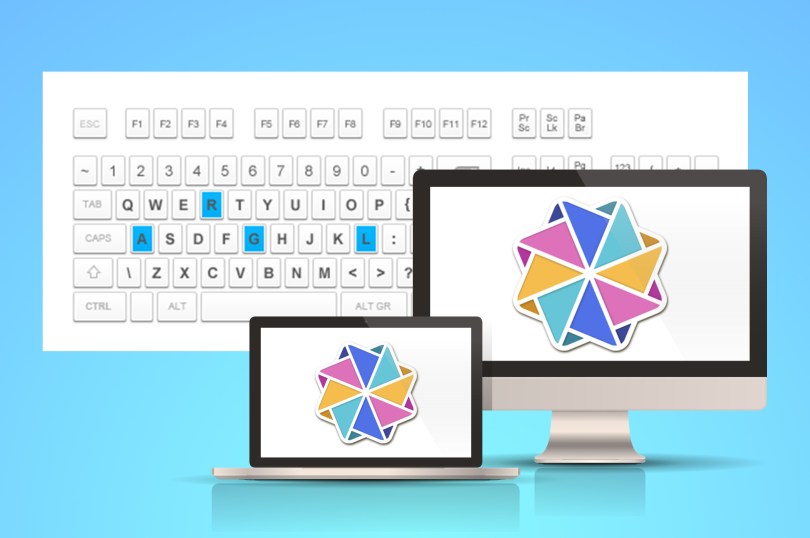
Since I wrote the list of keyboard shortcuts for Canvas Workspace in 2016, the software has been updated to offer new features, an installable edition and became Mac compatible so I thought that it was high time that I updated that list!
Oh, and I’ve done a downloadable one for you too … come and grab it!
Read More »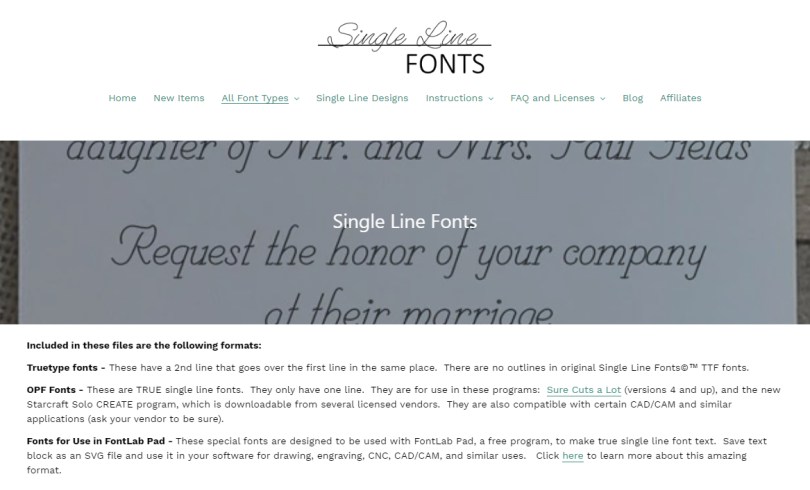
For those of you with a Brother Scan N Cut, Cricut, Siser or Silhouette machine, you NEED to know about the sale that is happening over at the Single Line Fonts website…
Read More »
Ever wondered how to create cutting files for custom sized gift boxes that you can then cut with your Brother Scan N Cut? Well, come and find out…!
Read More »
Ever wondered how to create calligraphy using your Scan N Cut but don’t want to buy the official calligraphy kit?
Here’s how …
Read More »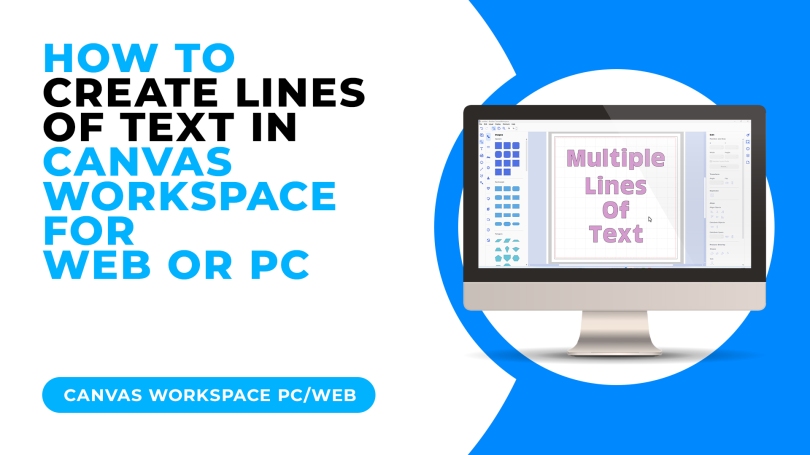
Ever wondered how to create multiple lines of text in Canvas Workspace? Well, here’s how…
Read More »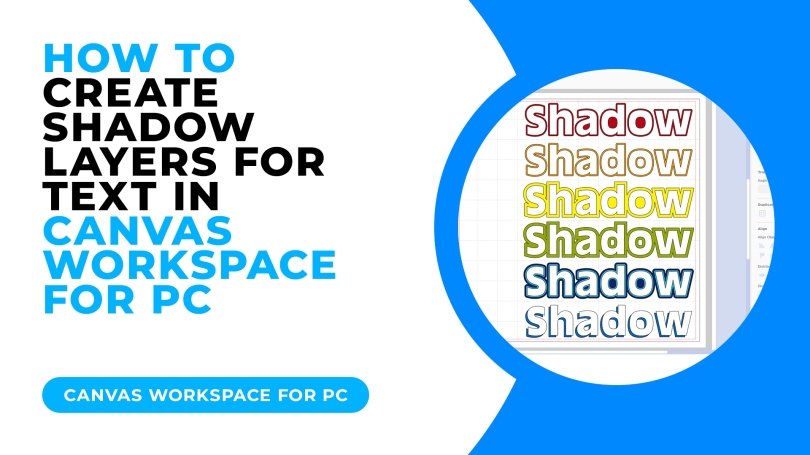
Ever wondered how to create shadow layers for text when making and creating with your Brother Scan N Cut? Here are a few different ways…
Read More »
Been looking for something “new” to do with your Scan N Cut – well, how about some jewellery making…?
Read More »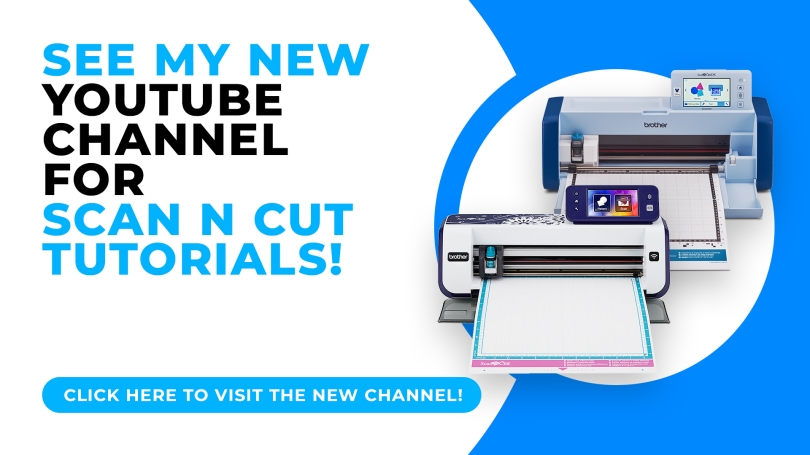
With the sunsetting of my online classes comes a new chapter in learning. This week I have launched a brand new YouTube channel dedicated to the Brother Scan N Cut and all of its creative possibilities.
Read More »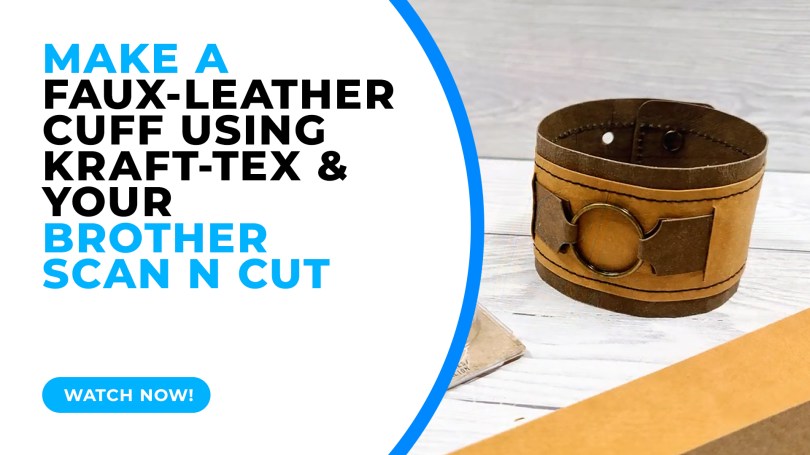
A chunkier how-to idea for you this week looking at just one way of using Kraftex (vegan leather) to create an adjustable double-layered cuff.
Read More »
Just a quick one to help clarify copyright for Scan N Cut users as there seems to be a lot of confusion out in the world right now…
Read More » GENTLEMAN CRAFTER
You must be logged in to post a comment.