Skip to content
  • Home
  • Blog
    • News
    • Paper Craft
    • Digital Crafting
    • Drawing and Painting
    • Fabric, Fibre and Yarn
    • Glass Crafts
    • Home Decor
    • Jewellery Making
    • Mixed Media
    • Needlepoint
    • Photography
    • Woodworking
  • SVG Cutting Files
    • Visit My Patreon Page
    • View SVG Cut File Sets for the Brother Scan N Cut Machines
    • View SVG Cut File Sets for Cricut Cutting Machines
    • View SVG Cut File Sets for Silhouette Cutting Machines
    • SVG Help
      • How To Import SVG Cutting Files in Canvas Workspace
      • How To Import SVG Cutting Files in Silhouette Studio
      • How To Import SVG Cutting Files in Cricut Design Space
  • Brother Scan N Cut Tuition
    • Brother Scan N Cut Tutorials on YouTube
      • Scan N Cut Tutorials – CM Models (YouTube)
      • Scan N Cut Tutorials – SDX Models (YouTube)
      • Canvas Workspace for PC Tutorials (YouTube)
      • Canvas Workspace for Web Tutorials (YouTube)
      • Canvas Workspace for Mobile Tutorials (YouTube)
    • Scan N Cut Courses on Udemy
      • Brother Scan N Cut – Cut, Draw and Scan With Confidence (Udemy)
      • Mastering Canvas Workspace (Udemy)
      • Design & Make A Memory Album with the Scan N Cut (Udemy)
    • Brother Scan N Cut Blog Posts
    • The Big List of Scan N Cut Links, Resources and Other Useful Stuff (Updated May 2026)
    • Brother Scan N Cut Creative Query Submissions
  • My Digital Craft Tools
    • How To Use the Online Distress Ink Blending Tool
    • How To Use My Free Online Paper Cutting Planner
  • About
    • Celebrating Creativity: About John Bloodworth AKA Gentleman Crafter
    • Contact Me
      • General Query
      • Brother Scan N Cut Creative Query
      • Cutting File Question
    • Links
Search
Close

GENTLEMAN CRAFTER

Official Blog of Arts and Crafts Enthusiast, John Bloodworth

Tag: FCM Cutting Files

Clarifying Copyright for Scan N Cut Users

Clarifying Copyright for Scan N Cut Users

May 21, 2022November 7, 2024 John - Gentleman Crafter3 Comments

Just a quick one to help clarify copyright for Scan N Cut users as there seems to be a lot of confusion out in the world right now…

Read More »

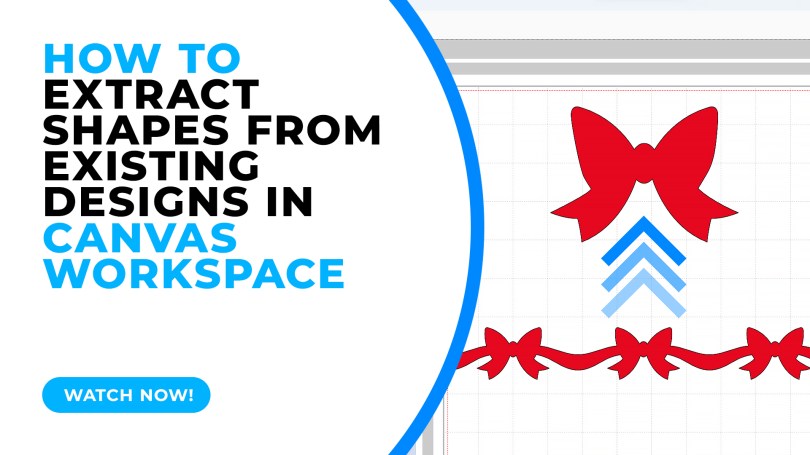
How To Extract Shapes from Existing Designs in Canvas Workspace

Best Way to Extract One Shape from Another in Canvas Workspace

April 23, 2022November 7, 2024 John - Gentleman Crafter6 Comments

Sometimes we look at designs and pass them by because we don’t like a part of the design however with the editing tools available in Canvas Workspace you can extract parts of a design easily – this video will show you how.

Read More »
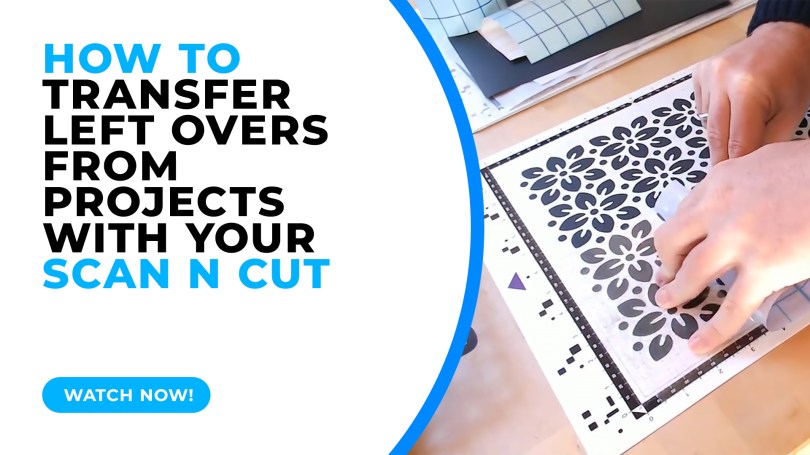
How To Transfer Left Overs from Projects with your Brother Scan N Cut

Scan N Cut Saturday – Transferring Left-Overs

March 12, 2022November 7, 2024 John - Gentleman Crafter7 Comments

A quick test lab video today showing some pros and cons when transferring the left-over cuts from your cutting mat.

Read More »
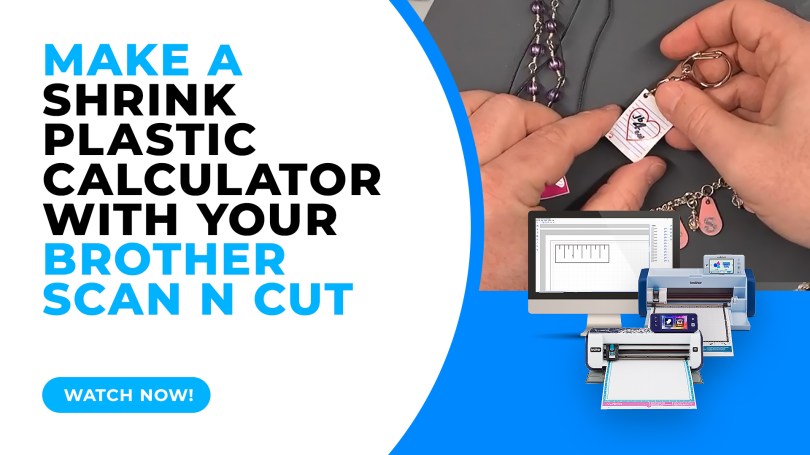
Make a Shrink Plastic Calculator with the Brother Scan N Cut

Make a Shrink Plastic Calculator with the Brother Scan N Cut

March 5, 2022November 5, 2024 John - Gentleman Crafter7 Comments

When cutting shrink plastic with the Brother Scan N Cut it can be a challenge to know how big to cut the piece to make it the right size when it shrinks. Here is a quick hack on how to create a shrink plastic calculator.

Read More »
5 Scan N Cut Myths, Busted!

5 Scan N Cut Myths, Busted!

February 5, 2022October 31, 2024 John - Gentleman Crafter12 Comments

This week, instead of the usual step-by-step or project tutorial I thought that I would take a moment to talk about some myths that I seem to see crop up time and time again and help prevent this unhelpful information from circulating.

Read More »
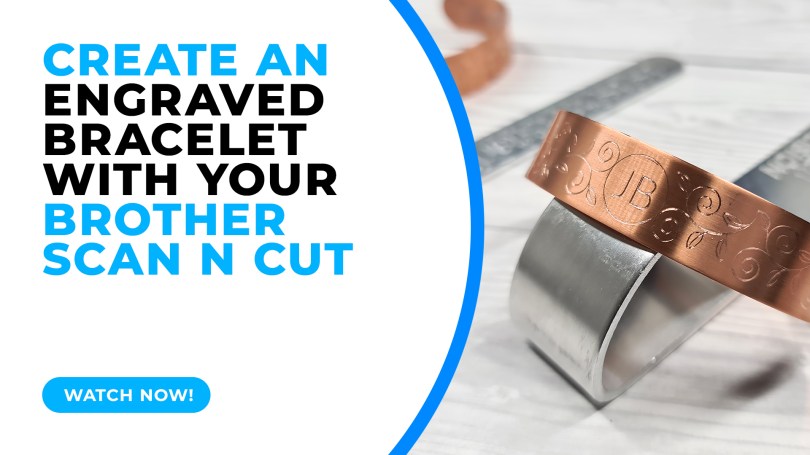
Creating An Engraved Bracelet with the Brother Scan N Cut

Scan N Cut Saturday – Create An Engraved Bracelet with the Zoom Precision Engraving Tool

January 15, 2022October 31, 2024 John - Gentleman Crafter10 Comments

Did you all know that you can create bespoke metal jewellery with your Brother Scan N Cut? Well, yes, yes you can and it is surprisingly easy!

Read More »

Scan N Cut Saturday – Quick Tips for Creative Text in Canvas Workspace

October 23, 2021October 19, 2021 John - Gentleman Crafter3 Comments

I’ve seen a fair few questions across Facebook groups about working with text recently and so decided to do a quick video to show a few of the creative ways you can work with text in Canvas Workspace.

Read More »
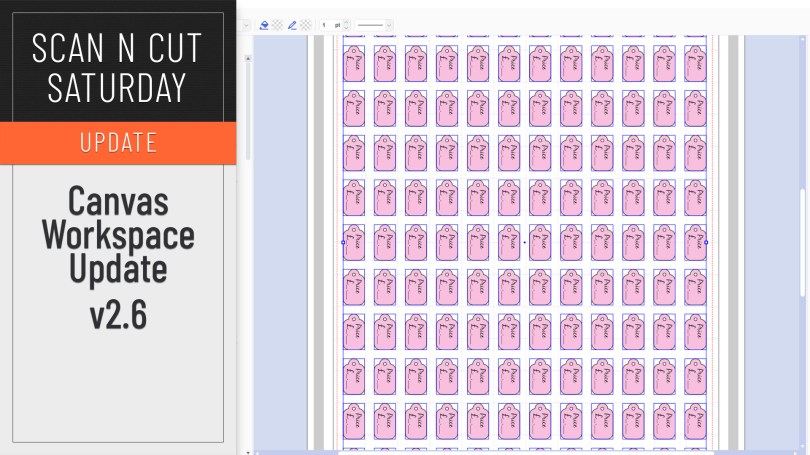
Canvas Workspace August 2021 Update

Scan N Cut Saturday – Canvas Workspace for PC/MAC Update

August 14, 2021August 6, 2021 John - Gentleman Crafter7 Comments

An updated version of Canvas Workspace for PC/MAC got released recently. Just the one new feature which I will share with you here.

Read More »

Scan N Cut, All Bagged Up!

August 11, 2021 John - Gentleman Crafter8 Comments

This week I wanted to share a recommendation for a carry bag for your Scan N Cut machines based on a couple that I have recently tried and tested.

Read More »
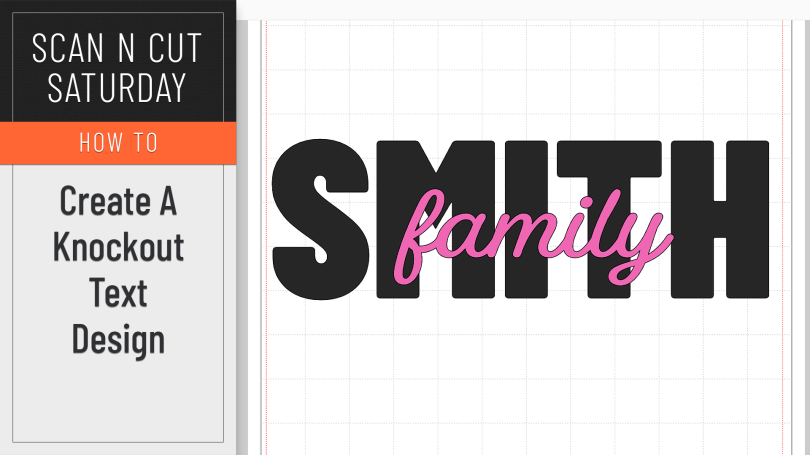
Knockout Text Effect in Canvas Workspace

Scan N Cut Saturday – Create A Knockout Text Effect in Canvas Workspace

August 7, 2021August 1, 2021 John - Gentleman Crafter1 Comment

A creative how-to this week featuring the knockout text effect.

Read More »
Scan N Cut Saturday – A Little Bit of Elbow Grease

July 24, 2021May 19, 2023 John - Gentleman Crafter22 Comments

No tutorial this week, just an honest and open review. Read on and hopefully you will be impressed.

Read More »
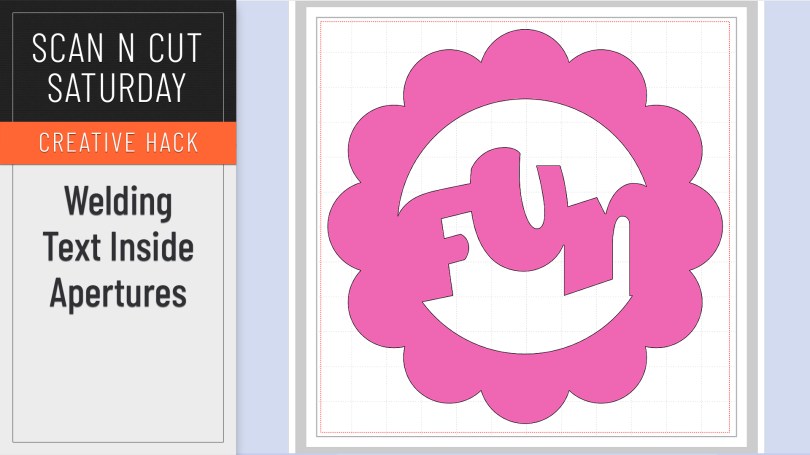
Scan N Cut Saturday Creative Hack – Welding Text Inside Frames and Apertures

July 17, 2021July 8, 2021 John - Gentleman Crafter6 Comments

When working without a colour fill on your objects it can be mystifying when you try and weld text inside a frame or aperture and it simply disappears. Here is why and how to correctly weld a word or phrase inside another shape.

Read More »
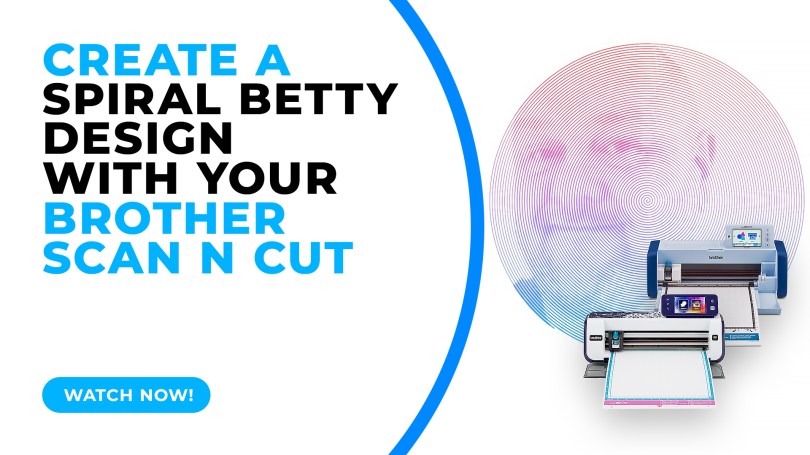
How To Create A Spiral Betty Design With Your Brother Scan N Cut

How To Make A Spiral Betty Design With Your Brother Scan N Cut

March 27, 2021November 5, 2024 John - Gentleman Crafter14 Comments

Popular with Cricut users this trend has been all over social media so I thought that I’d be a sheep and follow the herd but give it a go with me Scan N Cut.

Read More »
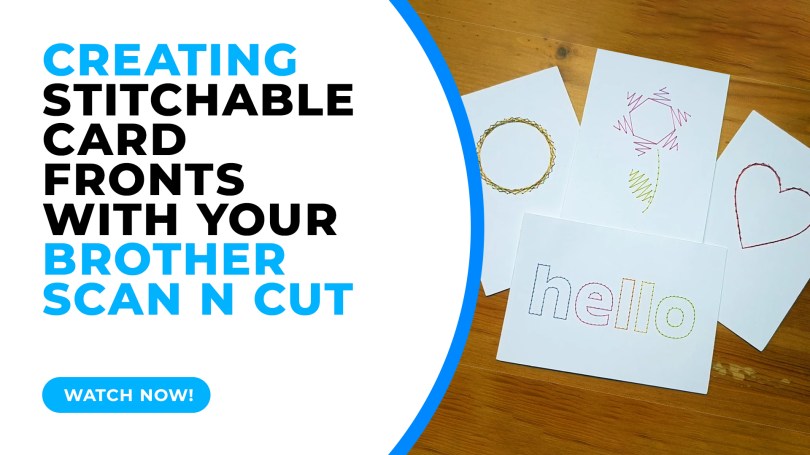
Creating Stitchable Card Fronts with the Scan N Cut

Creating Stitchable Card Fronts With The Brother Scan N Cut and Paper Piercing Kit

May 23, 2020October 31, 2024 John - Gentleman Crafter3 Comments

Creating Stitchable Card Fronts in Canvas Workspace

In this tutorial I will share with you how I created stitchable card fronts using Canvas Workspace and the piercing kit, available for DX models of the Scan N Cut.

Read More »
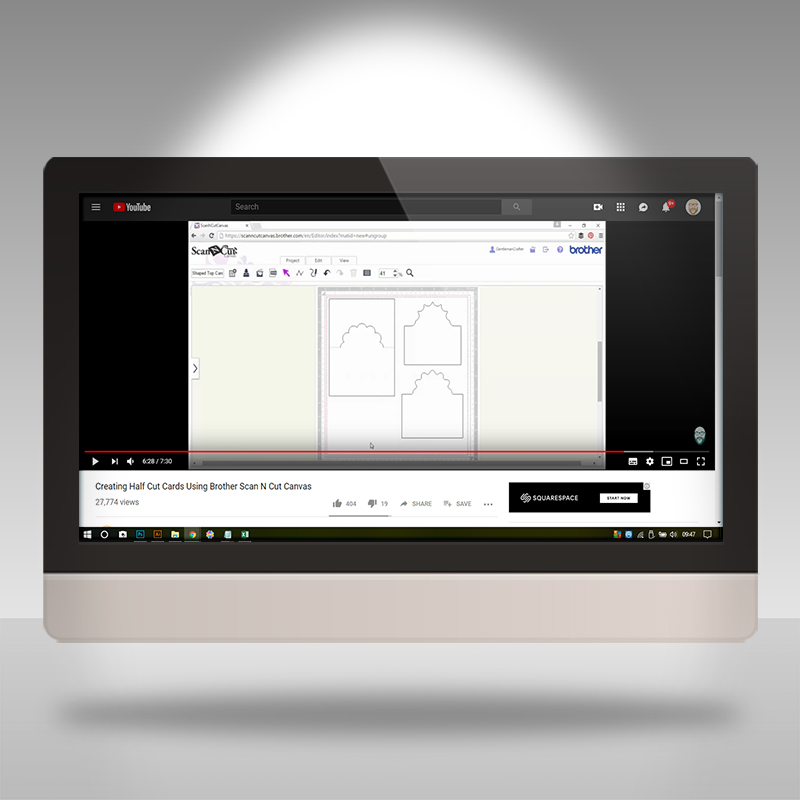
Scan N Cut Saturday – From The Archives 10

April 20, 2019September 3, 2020 John - Gentleman CrafterLeave a comment

The final dive into the archive brings you THE most watched Scan N Cut tutorial that I have in the vault. It’s clever, it’s creative and it’s super easy!

Read More »

Posts navigation

Older Posts
Newer Posts
Website Powered by WordPress.com.
Back to top
GENTLEMAN CRAFTER
Website Powered by WordPress.com.
  • Subscribe Subscribed
    GENTLEMAN CRAFTER
    Join 4,185 other subscribers

    Have a WordPress.com account? Log in now.

  • GENTLEMAN CRAFTER
    View site in Reader
    Manage subscriptionsSign upLog in
    Report this content
    Collapse this bar
Loading Comments...

You must be logged in to post a comment.