
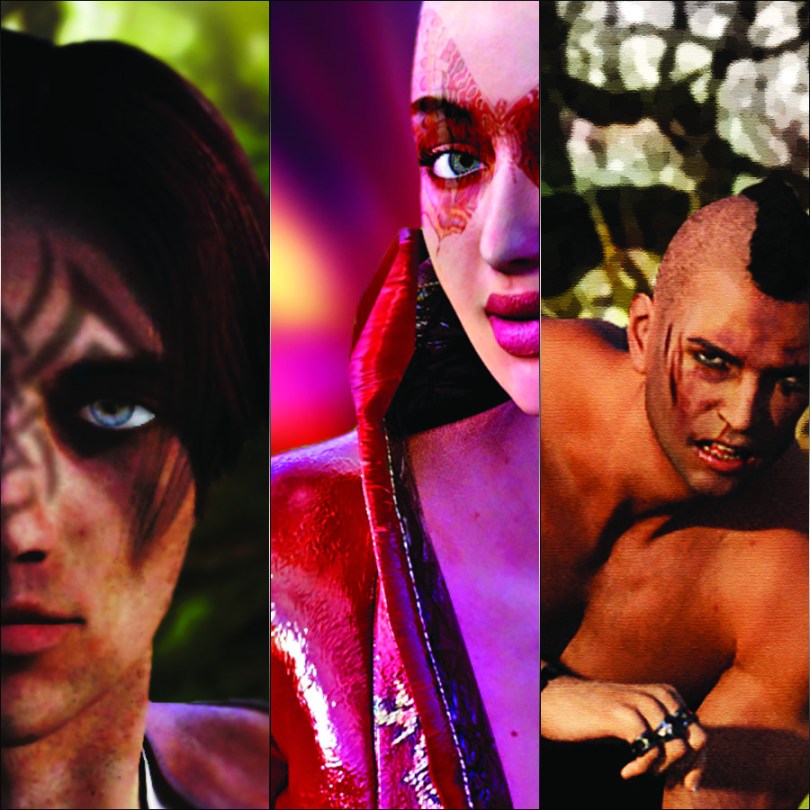
Ok, here is image one. A bit of a random one here bringing in a real-world background to the CGI face which itself was edited further after the composition was created.
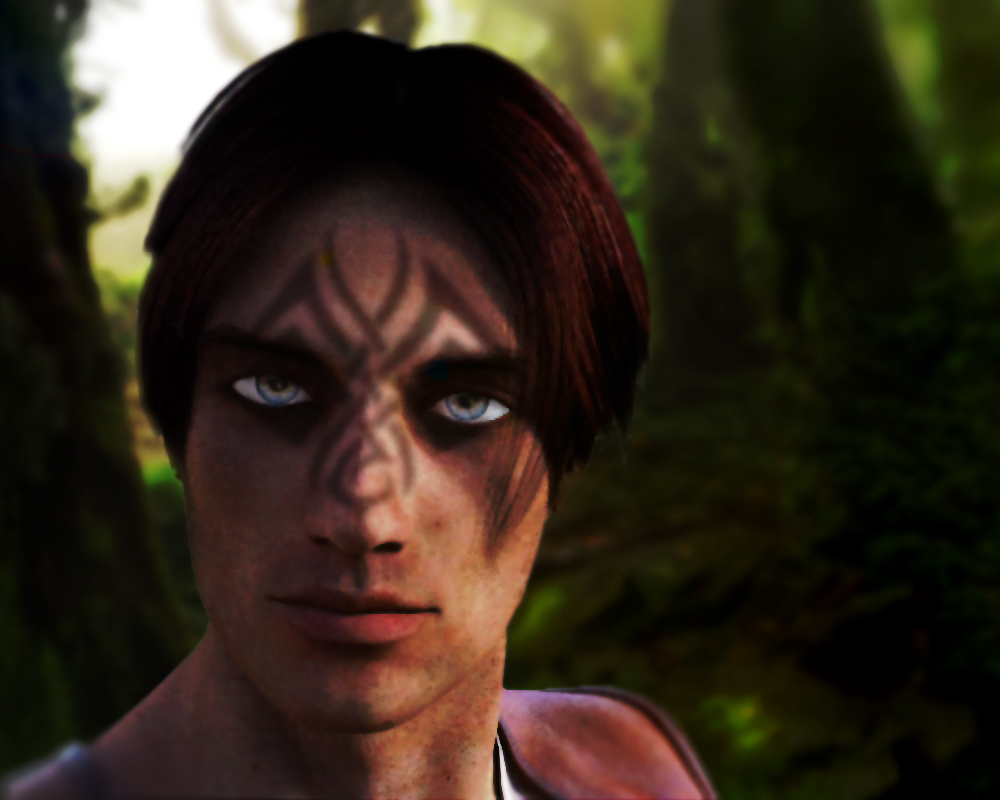
Think I went a bit overboard with trying to emulate a lens blur effect as the final image is quite soft, but, nevertheless, I still like it.
The scene was composed in Photoshop and consisted of the head render, tattoo and background. The tattoo was quite challenging to make it look ‘real’ as in, not like a fresh paint screen print and more like something that has been on his mush for a while and has become sun-bleached and worn.
I think that I just about got it though.
Ok, onwards.
To see the next image that I created, please use the numbered page links below.
 GENTLEMAN CRAFTER
Hi John
I love Daz3D, great for a “switch off and dabble”. Have also used it to produce 3D croquis as close to my size/ shape as possible for sketching clothing pattern ideas on to, gives me a clue to see if an item of clothing would suit my shape before I go to the time and effort of sewing it up. Also great if you’re learning to draw the human figure and aren’t lucky enough to have a model. seeing the model posed on a screen in 3d and sketching what you see has helped me a lot with my drawing.
Had to uninstall it recently as my hard drive is suffering a bit and needs an upgrade. Soon as I’ve organised the installation of a SSD it’ll be back on there!
Hope everyone is doing ok,
T x
LikeLiked by 1 person
Cool – then you can teach me! :)
LikeLike
You are very talented John, love them all they look amazing xx Hazel
LikeLiked by 1 person