
You may have noticed a change in the title of my regular Saturday blog slot. Why is this?
Well, over the last few weeks I have received quite a few requests for my cutting files to be in the SVG format, rather than the FCM format, so that those with alternative electronic cutting machines, such as the Silhouette and Cricut, can use them.
I think that this would be a great idea and have therefore created zipped folders containing the files that I have uploaded so far so those of you with these machines can have a catch up.
Below you will find all of the links.
From next week I will hopefully be uploading a new file each fortnight.
Brother Scan N Cut users need not worry, I am still planning to keep the Scan It Saturday posts going however these will now be fortnightly (alternating with SVG Saturday) and will focus more on how to do things with the machine or the software, rather than supplying the files. You can of course still use the SVG files (a guide to converting them can be found here) so really it’s a double bonus for you Scan N Cut owners :)
Anyway, here are all of the file links (I’ve added a photo as a reminder of what the file is.
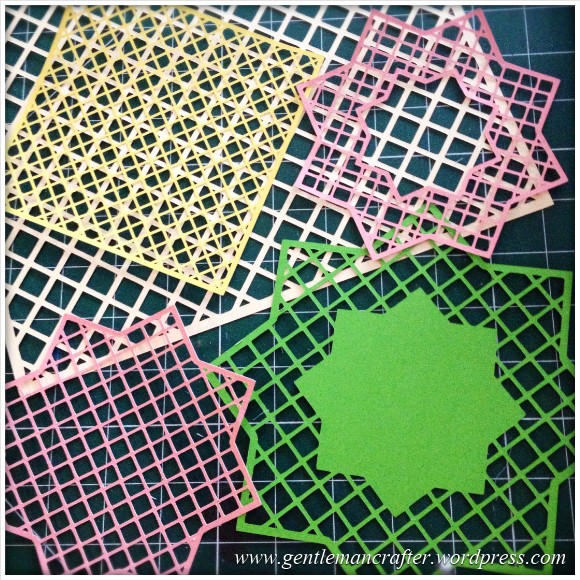
Lattice Square and Star
Link – Lattice SVG Cutting Files.
Makes this/these …
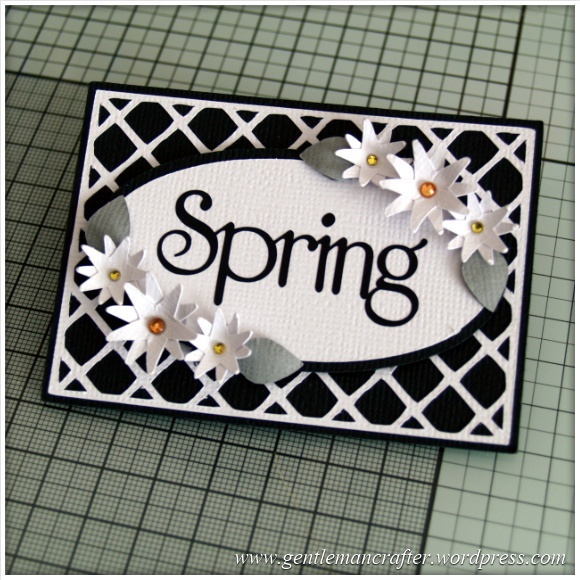
Floral Artist Trading Card
Link – Floral Artist Trading Card SVG Cutting Files
Makes this/these …
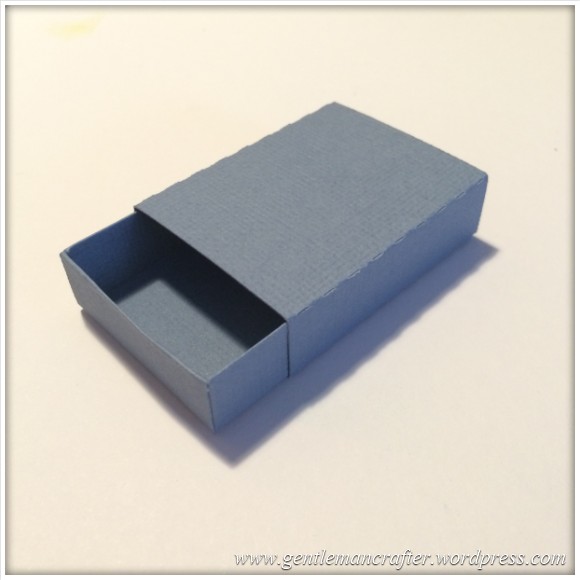
Matchbox
Link – Matchbox SVG Cutting Files.
Makes this/these …
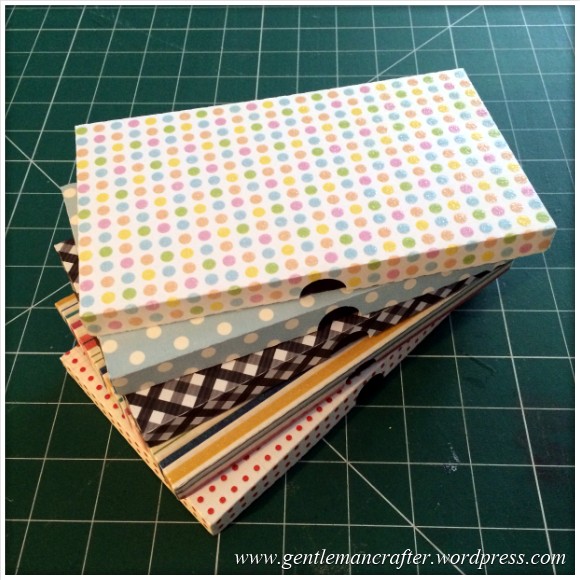
Chocolate Gift Box
Link – Chocolate Gift Box SVG Cutting Files.
Makes this/these …
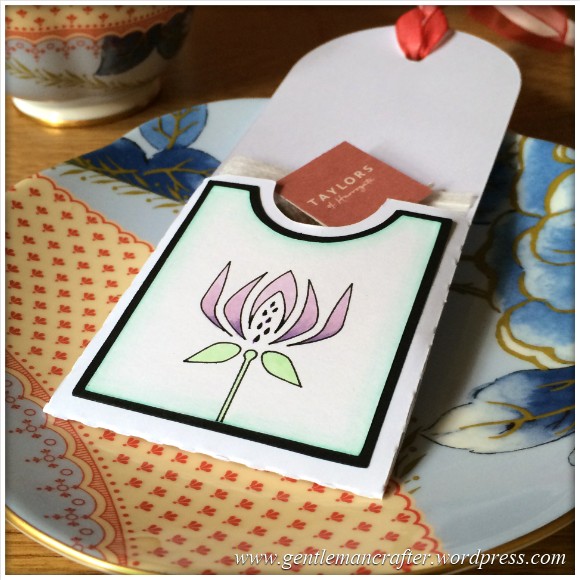
Teabag Gift Tag
Link – Teabag Gift Tag SVG Cutting Files.
Makes this/these …
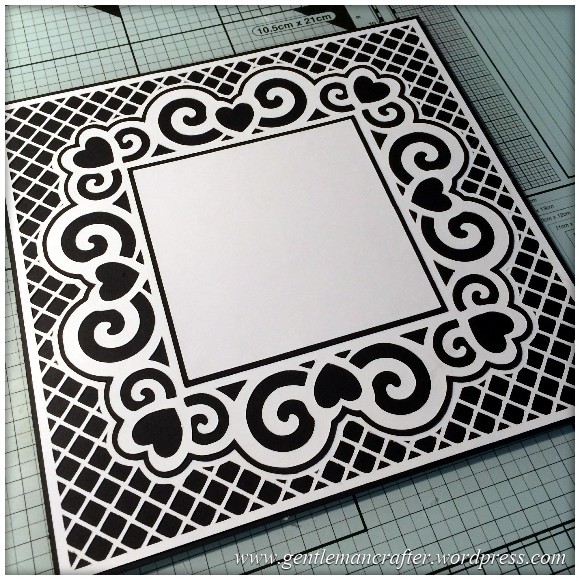
Swirly Heart Frame
Link – Swirly Heart Frame SVG Cutting Files.
Makes this/these …
Just a reminder:
- You will need to unzip the containing folder before using the files.
- The angel policy for each of these files is easy – make and sell as many hand-finished pieces as you like with these files but please don’t sell or share the files.
That’s it for this week. I hope that you all enjoy playing with these files.
Take care and catch you next time.
J :)
 GENTLEMAN CRAFTER
John, once again thank you so much for your generosity.
LikeLike
Ok thank you John. Things should be ok because it has been kept in original packaging.
LikeLike
Hello John, with your workload I would do one a month! After all they are free, and maybe more people would learn to do it themselves.
LikeLike
I enjoy designing. That’s also the idea of the tutorials being between each file.
J :)
LikeLike
Thank you John,I have lost the email that i started But thanks to you I can now convert a svg file to fcm,and cut them out Kath Newman
LikeLike
Hi John. I wonder if you can help me . My scan and cut won’t recognise my scanning mat any ideas? Sorry to bother you on here. Thanks, living in Bulgaria there is no one to ask. Thanks again. Christine.
LikeLike
What error message is coming up? Does it not recognise it if fed from either end?
LikeLike
It says the mat cannot be recognised , the mat will unload. And the same at the other end. X
LikeLike
I am assuming that the dots at each end have not been compromised (if they are this could affect things).
I would therefore suggest contacting C&C customer service or the Brother help desk.
LikeLike
John.
A lady in Holland has been posting the most gorgeous tee shirts on The ScanNcut crafty group FB page. She uses a product called Flex. Any ideas where we can buy this product in the UK. Would love to have a go at this. I suspect it’s similar to the materials used by Cameo crafters, but I have never used a cameo, I do have a scanNcut. Thanks for any help you can offer.
Pauline
LikeLike
I’m afraid not Pauline. Have you asked the lady where she got hers?
LikeLike
Great files John, thank you soooooo much for shareing
LikeLike
You’re welcome.
LikeLike
Hi John, Help!!, just got my Scan and Cut and trying to transfer via usb the scan n cut canvas freebie I seem to have it on the usb but me laptop will not open it and when I try to transfer to the machine nothing happens Cathyxx
LikeLike
If you have downloaded from this post then these are SVG files in a zipped folder. You will need to unzip them before converting them in canvas or trying to open them.
If you are referring to FCM files these don’t ‘open’ on your computer as they are a file format for the machine. The only way to view them on your PC is to open them in canvas.
LikeLike
Hi John
I had downloaded the file from canvas
Cathy
LikeLike
Then it will be an FCM file. These should open on the machine.
LikeLike
I am tapping on the machine picture but nothing happens
Cathy
LikeLike
If you are loading from USB you need to tap on the USB icon.
LikeLike
Duhh, sorry John misread the manual, (now on disk) thank you so much for your help and the free files, I am looking forward so much to getting to grips with this. Can I ask another question, what material can l use on the S&C for making stencils/masks I had a hard time getting media to use with the Silhouette and went through a couple of blades etc
LikeLike
There is a link to the right of all of the materials that I have tried for you to download/print.
LikeLike
Thank you so much John, no doubt I will be in touch again, thank you for your patience
LikeLike
Sorry John, I can’t find the link
LikeLike
Click to access brother-scan-n-cut-materials-test-list-version-3-march-2014.pdf
LikeLike
Thank you very much John, your a star
LikeLike
I have been trying to go on the canvas site and cant seem to do it any ideas?
LikeLike
What issues are you actually experiencing?
LikeLike
Thank you so much.
LikeLike
I’m not sure what tge problem was earlier but I;ve been able to download them now thank you for sharing them John
LikeLike
Thank you John!!!
As I said to you the other week, I use .svg files even though (as yet) I do not have a cutting machine as I can open the files in photo editing software and use the shapes to manually cut out stencils or to make fun shaped mats and layers in my crafting software. I think this is brilliant :-) it’s really considerate of you to think of this to include as many people as possible.
Much crafty love your way,
WheelyBad xxx
LikeLike
Thank you for these John can,t wait to use them, will we be seeing you demonstrating on C & C again? Hope so.
LikeLike
thank you for including us SVG users, now we can all appreciate your hard work.
LikeLike
What a fantastic array of cutting files – so much choice – don’t know what to try first, thank you B :-) x
LikeLike
Thanks John for all jour fine work, looking forward tot learn more as how to
use ScanN cut/canvas. I’m not used tot write in English so sorry if I made some mistakes.
Lots of thanks from Belgium.
LikeLike
Hiya John I can’t download these links either I don’t usually have a problem I use SVGs a lot but I’ve tried all ways right click save target as, open with and its just not working for some reason I use a programme called SCAL usually have no problems at all but it wont open these but thanks for thinking of us cricut users your a star love your blog x
LikeLike
Have just been in to have a look at file storage. All seems Ok but have “reset” things there so hopefully this should now have resolved any issues.
LikeLike
Only just had time to try to download since you’ve reset things John,and alls gone smoothly this time thank you so much for taking the time to do this for us your a star x
LikeLike
Hi John
I am getting the same error message “acces denied” and when I right click there is no option to save as target file.
Any other thoughts? I got really excited when I saw you were posting SVG files as I have admired your work using the Brother Scan n Cut but I use the Silhouette Cameo so have been stuck.
Hope we can sort this problem out. Fingers crossed.
LikeLike
It could be anything along the lines of ‘save file as…’, ‘save link as…’ or ‘save target as…’.
LikeLike
Wonderful, all downloaded and saved. Thank you very much for your patience.
LikeLike
John, when I click on the file it comes up access denied. Usually i can use my ipad click on a svg and then save to my dropbox to unzip on the computer later but it wont work. Any ideas? And of course thank you for sharing these files.
LikeLike
No idea I’m afraid.
LikeLike
Hi John thank you for your guidance,files now downloaded and working. Reagards Allan
LikeLike
John,
I am not able to download the svg files . I get a window saying “This XML file does not appear to have any style information associated with it. The document tree is shown below.” I have Windows 8.
Are you sharing the red rose from your chocolate box lids? It is lovely, so elegant.
LikeLike
Are you using the right-click > save target/file as… method of downloading.
Zipped files won’t open of you left click on them.
LikeLike
John,
All saved now, thank you.I learn something every day…. and I need to.
Red rose file from chocolate box? Are you sharing, please?
LikeLike
Thought I had. Will look at files.
LikeLike
Hi John tried the link for the SVGA files but the link is broken comes up with access denied and other strang goings on. Regards Allan
LikeLike
Are you using the right-click > save target/file as… method of downloading.
Zipped files won’t open of you left click on them.
LikeLike
Very kind of you to think of us with different cutters John unfortunately I get this message when I click any of the links
AccessDeniedAccess DeniedD6F229C39FF2355CSy6H8yRmY3rLxzWrjKdTgqNrMjhsRziwBT+IwN4nNbyBOBTQ6xP5ex1JrXP+YpgeLikeLike
Are you using the right-click > save target/file as… method of downloading.
Zipped files won’t open of you left click on them.
LikeLike
Not sure what happened but I’ve managed to download them now thanks John
LikeLike
This sounds a brilliant idea, means more people can use them x
LikeLike
Hi John, Happy Saturday. Your work is amazing, your so generous to share with us. Thanks x
LikeLike
Thanks for thinking of other electronic cutting machine users Mr B. Much appreciated x
LikeLike
You’re welcome :)
LikeLike
That’s a great collection. Thank you
LikeLike
My pleasure :)
LikeLike