
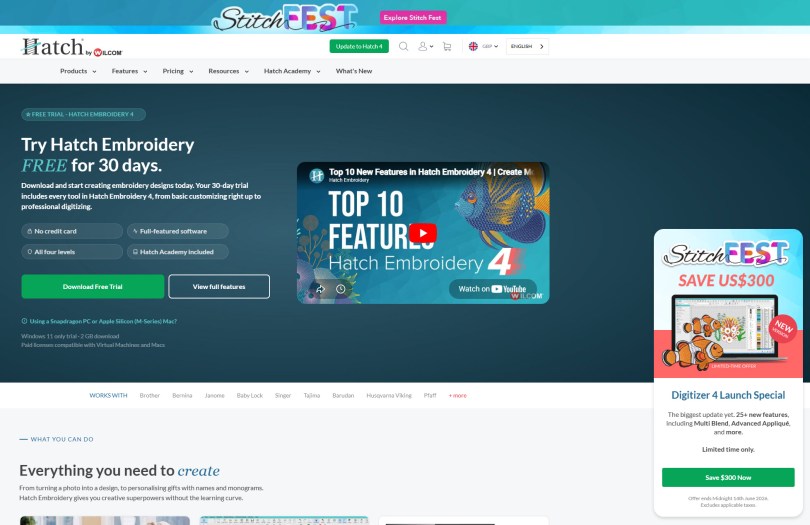
As you may have seen over the last few years I managed to send myself down a digitizing rabbit hole using the very impressive Hatch Digitizing software so when I saw that there was a new version released recently I just had to download and take a look.
Here’s a quick overview of what is new and how I plan to get back into it after a wee while away…
Missed Something?
Want to start at the beginning? If you have landed here from somewhere around the internet and have missed any of my previous posts about machine embroidery and digitizing software, you can find them all snuggled in this archive.
Ok, so what’s new in Version 4?
This has been announced as the biggest Hatch update in years and introduces a wave of powerful new tools and improvements, all of which are fully accessible during a free trial so you can try it out before you commit!
In all, 25+ new and improved features bringing new creative tools, smarter workflows, and enhanced stitch quality, all in one new release.
Some of the highlights of this release are:
Creative Digitizing & Stitch Effects
- Multi Blend: Allows you to create smooth, artistic shading effects by seamlessly blending multiple thread colors.
- Advanced Appliqué: Enhanced tools let you work with multi-layer appliqué, improved offset controls, and the ability to print mirrored or digitized templates.
- Rounded Rectangles: A dedicated tool with easily adjustable corner radii (with independent corner control) that applies to both fills and outlines.
- Continue Digitizing: Grants you the freedom to easily edit, un-do, or resume digitizing on previously generated objects.
Usability & Interface Enhancements
- AI Answers: A built-in AI assistant provides instant, step-by-step guidance right inside the software so you do not have to dig through manuals.
- Precision Grids & Snapping: Includes a new minor grid for pinpoint detailing, an improved “Snap to Objects” feature, and easier guideline management.
- Reshape Views Toolbar: Restructured to give you faster, clearer access to editing tools when altering complex shapes.
- Enhanced Visual Previews: Improved design explorers, clearer connector and trim displays, and adjustable display colors
- Wireless Machine Connectivity: Supports direct Wi-Fi transfers to compatible Brother machines without the need for a USB stick.
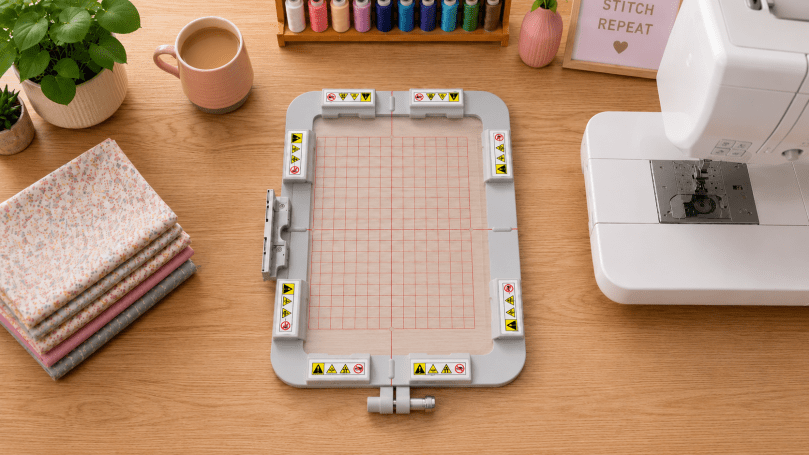
- Advanced Hoop Support: Built-in settings for commercial and specialized hoop brands like Hoop Master, Mighty Hoop, and Smartstitch.
- Exports Docker: Lets you track background conversions and monitor your export statuses in real-time.
If, like me, you like a bit of a visual tour, it would be worth checking this official release video out…
Download Hatch Embroidery Digitizer 4 for Free!
Want to try this software out for yourself?
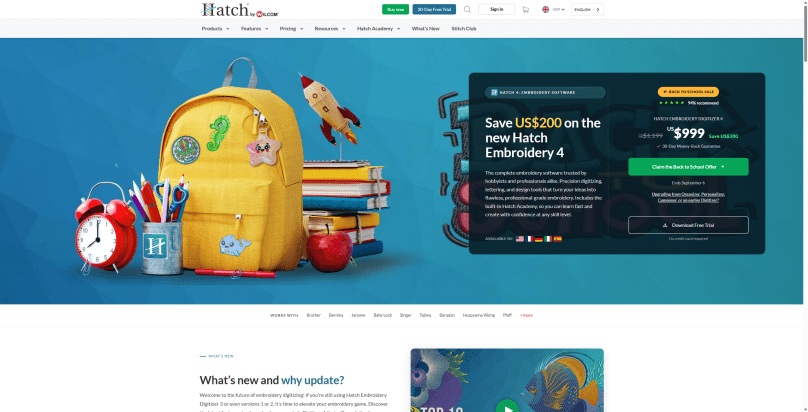
Hatch offer a fully functional 30 day free trial of their software so you can give it a good road test prior to buying, and if you do like what you see, there is a massive saving to be had until Midnight 14th June 2026 so make sure to check it out soon!
Just hit the big button below to nab yours!

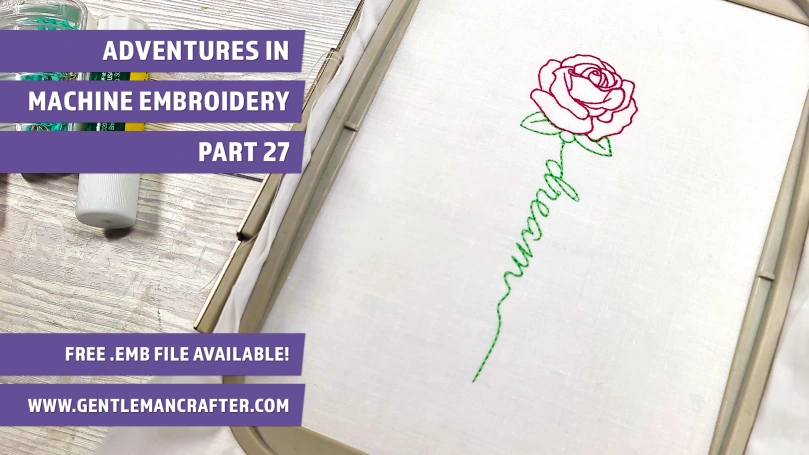
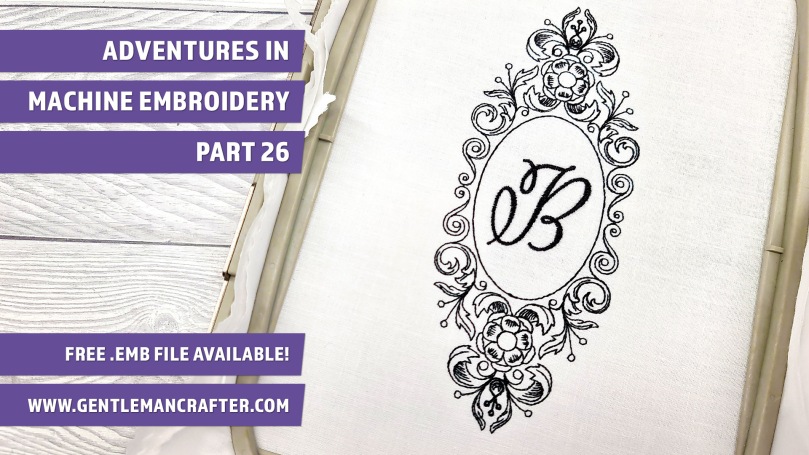
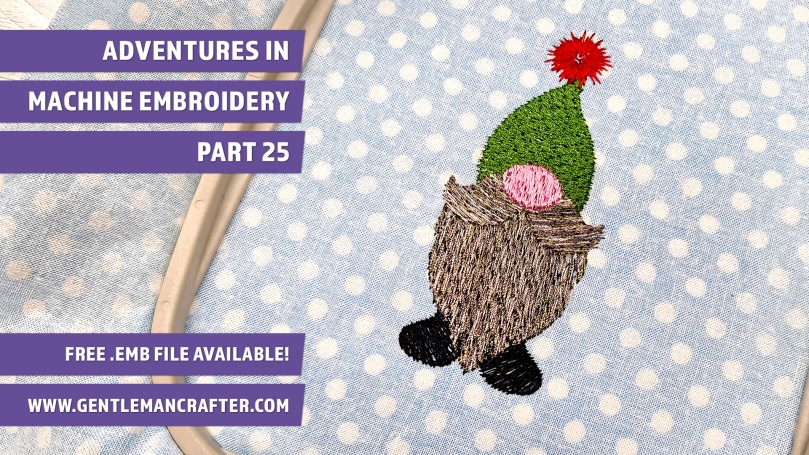
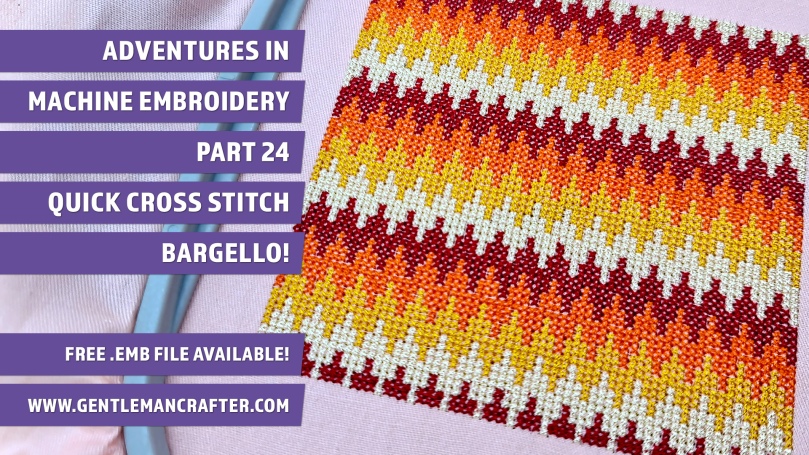
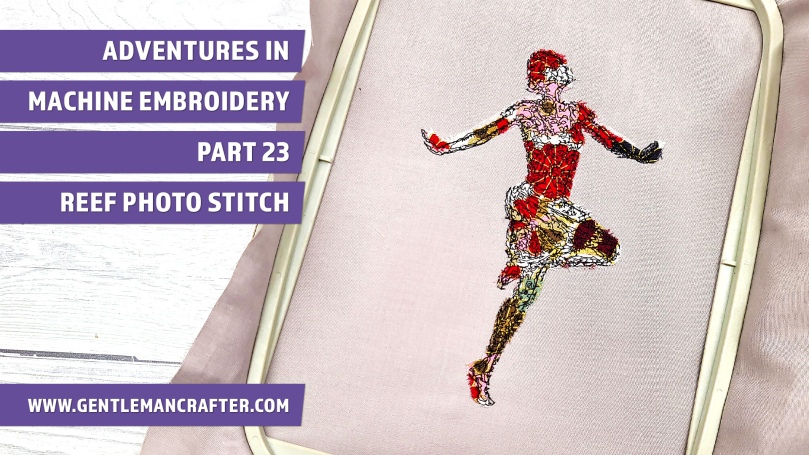
Here are a few of the posts that I have written about this software for you to have a look at.


Getting Back Into It
I am planning a new series of posts and videos for the near future that will start with a reintroduction to the software, which is probably a good thing given the volume of updates, and then a range of simple projects that I think will appeal to a lot of you.
In the meantime, if you have this software and would be interested in some tutorials or projects, please do let me know in the comments below – I love a challenge, lol!
Ok, that’s me done for this post. Hope you will subscribe to the newsletter so that you can continue hearing about my adventures in machine embroidery and will pop back again soon.
All the best,
John.
Share The Love!
If you found this post informative, helpful, or entertaining, please do consider sharing it with your social media chums. It’s easy with the buttons below, helps me get noticed and totally free to do!
 GENTLEMAN CRAFTER
[…] More recently, I took a look at some of the creative tools and workflow improvements introduced with Hatch Embroidery Digitizer 4. […]
LikeLike