

It’s one of the most commonly talked about topics when it comes to creating SVG cut files – which software is best. In this post I share a list of my top 5 choices for alternative software design suites for creating SVG cut files for Cricut, Silhouette and Scan N Cut machines.
In the video I will be doing a brief overview of these software suites.
- Affinity Studio – https://www.affinity.studio/
- Inkscape – https://inkscape.org/
- Sure Cuts A Lot – https://surecutsalot.com/index.php
- Corel Draw – https://www.coreldraw.com/en/
- Adobe Illustrator – https://www.adobe.com/uk/products/illustrator.html
In the future I’d like to do a deep dive on each of these so if you have any preferences on which I tackle first, please feel free to let me know in the comments.
Whilst all have a learning curve, some are easier than others. Let’s take a look …
I am sure that you are wondering about cost. As I mention in the video, the price points vary. Here’s a quick list showing approximate pricing – you can check out the websites above for accurate/current pricing.
- Affinity Studio – Free
- Inkscape – Free
- Sure Cuts A Lot – Approx £45
- Corel Draw – Around £18 per month. More if you take the “pay once” option.
- Adobe Illustrator – Around £21 per month. Less (as a per product price) if you add it to the Creative Cloud package.
Oh, and if you are wondering, here is that list ranked by my personal preference, top to bottom.
- Adobe Illustrator
- Sure Cuts A Lot
- Affinity Studio
- Inkscape
- Corel Draw
So, have you used any of these? Which is your choice? I’d love to hear your thoughts in the comments section below.
More Useful Scan N Cut Stuff
If you found this information useful, you may also like to check out these other resources …
My dedicated Scan N Cut Tutorials YouTube channel, by playlist.
- Scan N Cut Tutorials (CM Models) Playlist
- Scan N Cut Tutorials (SDX Models) Playlist
- Canvas Workspace (for PC) Playlist
- Canvas Workspace (for Web) Playlist
- Canvas Workspace (for Mobile) Playlist
Please remember to like, subscribe and for notifications of future videos, hit the bell notification icon too!
Facebook Group
If you’d like to join a growing group of Scan N Cut enthusiasts then please do come and join Gentleman Crafter’s Scan N Cut Facebook Group at https://www.facebook.com/groups/gentlemancrafters.scanncut.group/
SVG Cutting Files
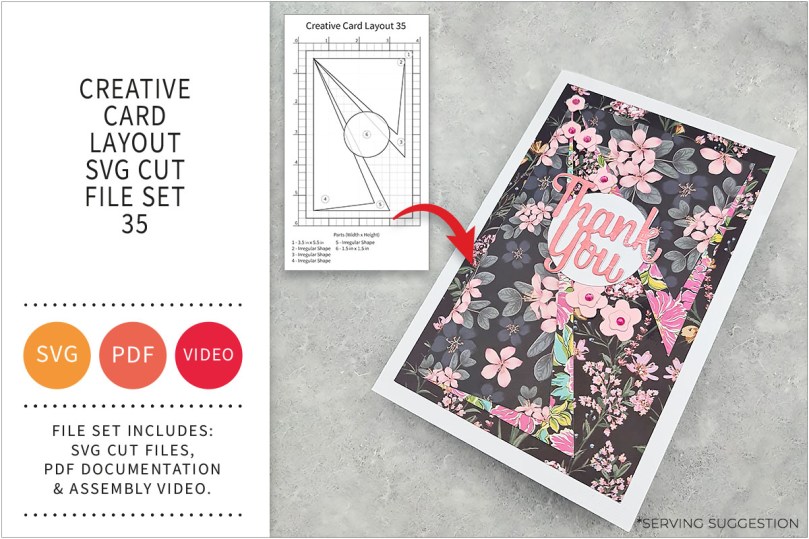
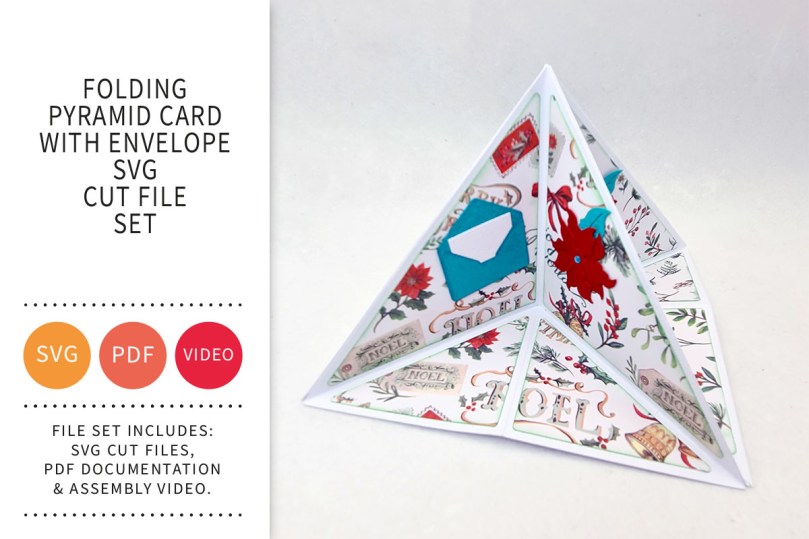
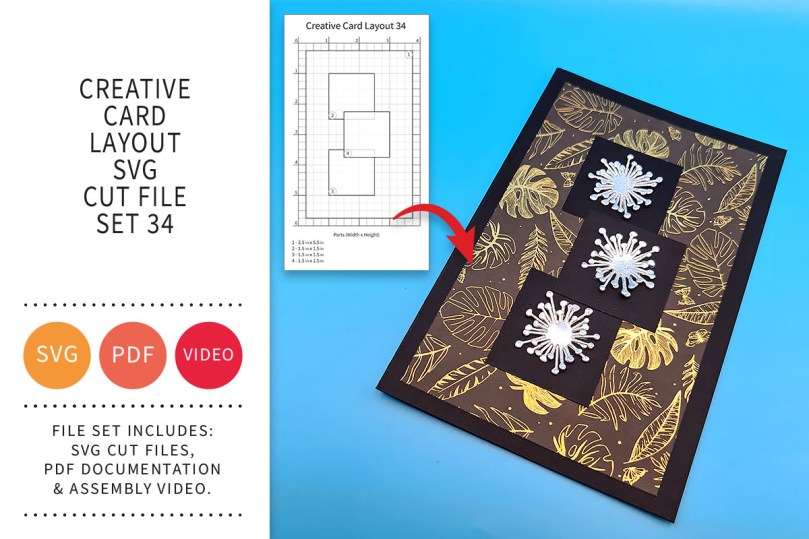
Want access to a growing library of ready-to-cut projects including layered frames, creative card bases and fun 3D projects? Then please do come and check out my Patreon page at https://www.patreon.com/GentlemanCrafterUK
More Blog Posts!
I have a stack of posts on this blog featuring tips, tricks and tutorials so please do have a dive into the archives – thank me later!

Ok, that’s it for this post. I hope that you have enjoyed your time here today and will subscribe to my email newsletter so that you can hear about future posts.
If have not already done so, please feel free to pop your email address in the box below and I will add you to the list (you can unsubscribe at anytime in the future if I bore you with too many).
In the meantime, thanks for stopping by and I look forward to seeing you next time!
Much love,
John.

