
No video today, just a couple of useful downloads if your memory isn’t quite what it used to be, like mine.
Read More »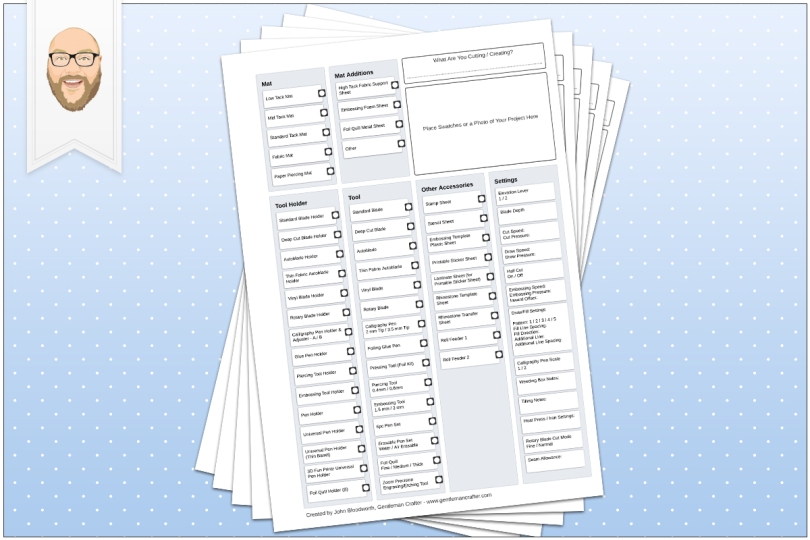
Projects and articles relating to the Brother Scan N Cut electronic cutting machines and Brother Scan N Cut Canvas
No video today, just a couple of useful downloads if your memory isn’t quite what it used to be, like mine.
Read More »
I’ve seen a fair few questions across Facebook groups about working with text recently and so decided to do a quick video to show a few of the creative ways you can work with text in Canvas Workspace.
Read More »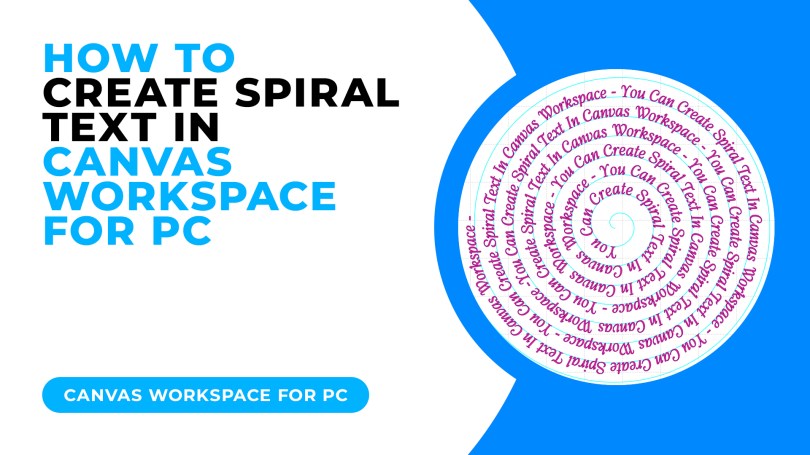
Today I have a cool trick for you for creating spiralised text, it’s really easy and I am even offering a free download to go with this tutorial!
Read More »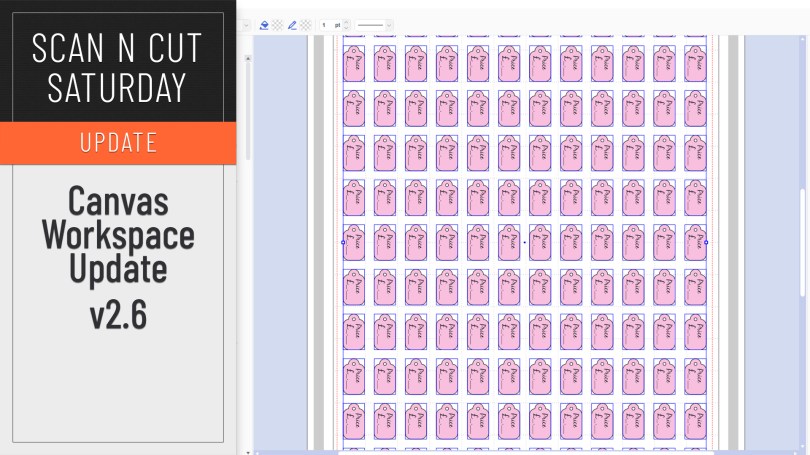
An updated version of Canvas Workspace for PC/MAC got released recently. Just the one new feature which I will share with you here.
Read More »
This week I wanted to share a recommendation for a carry bag for your Scan N Cut machines based on a couple that I have recently tried and tested.
Read More »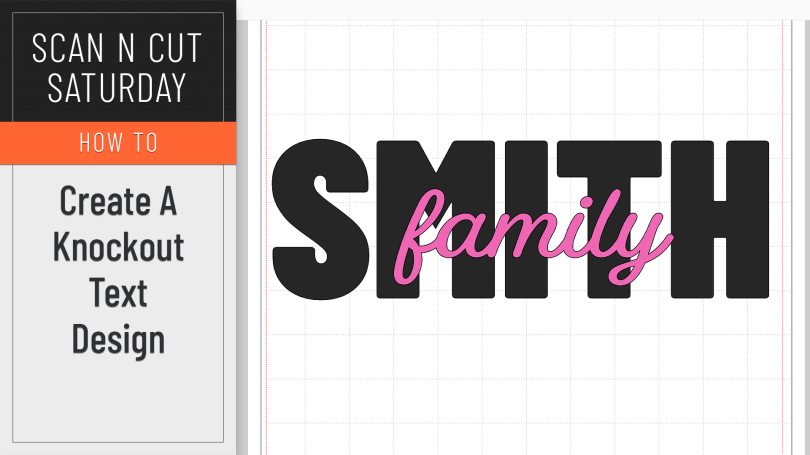
A creative how-to this week featuring the knockout text effect.
Read More »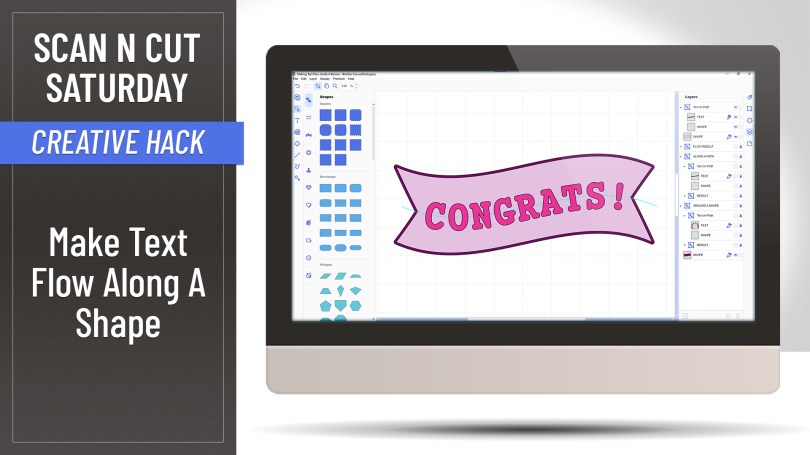
Ever wondered if you can make text flow along a shape, rather than sit on it’s edge? Well, with this creative hack, the answer is yes!
Read More »
Watcha, no tutorial in this one however I am going to save you money AND provide you with inspiration – well, truthfully Brother are however I am still going to tell you where to find it all.
Read More »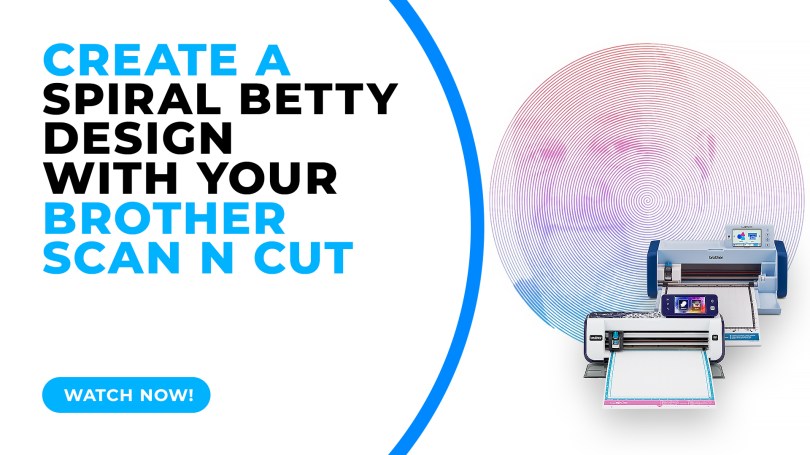
Popular with Cricut users this trend has been all over social media so I thought that I’d be a sheep and follow the herd but give it a go with me Scan N Cut.
Read More »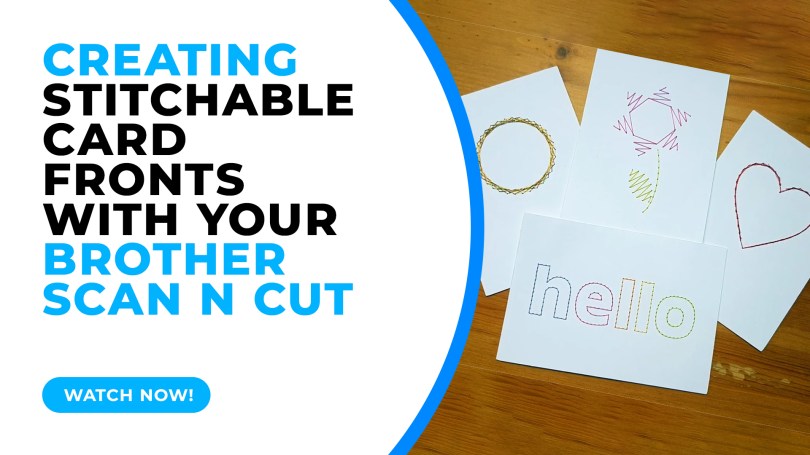
In this tutorial I will share with you how I created stitchable card fronts using Canvas Workspace and the piercing kit, available for DX models of the Scan N Cut.
Read More »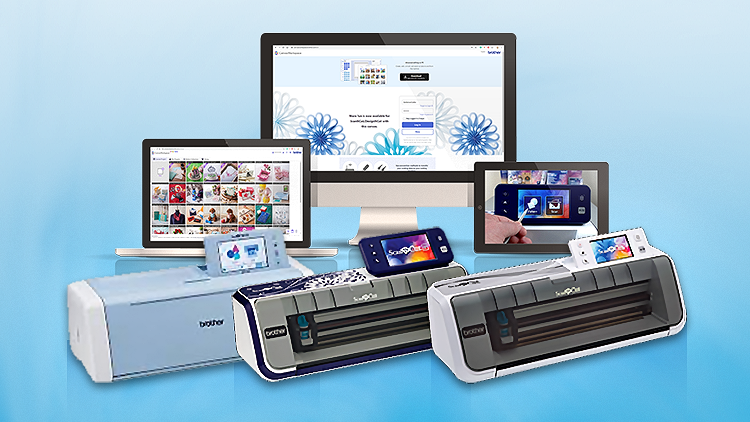
This week I have put in place a way to send a little thank you for spreading the word about my Scan N Cut course on Udemy. A simple way for you to make some pocket money for sending folk on over.
Read More »
Having previously shown you how to create a half-cut card with basic shapes, repeating this with text has proven elusive due to the issue of only being able to open one outline – UNTIL NOW!
Read More »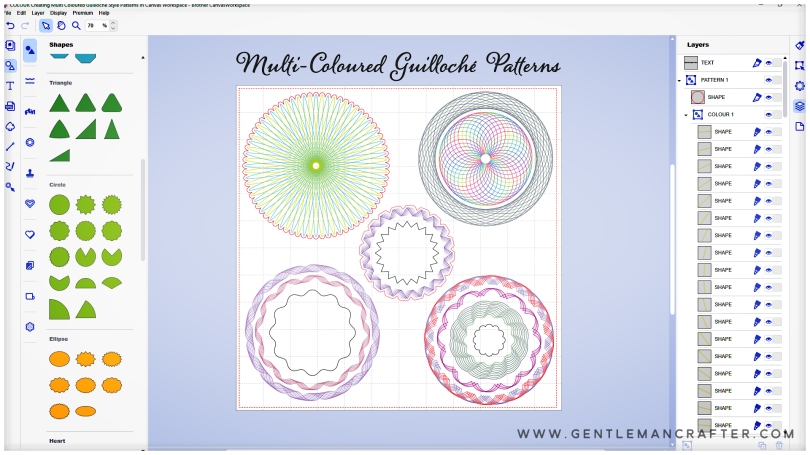
Hallo! Hope you are well and enjoying time in your craft spaces.
For this Scan N Cut focused blog post I have been looking at new ways of using Canvas Workspace to create drawn patterns and have created a cool Guilloché pattern workflow that I think you will adore!
Oh, and I’ve also been gathering new tools to review AND am going to be organizing some live “workshops”, so, worth a read if you’ve got a Scan N Cut.
Read More »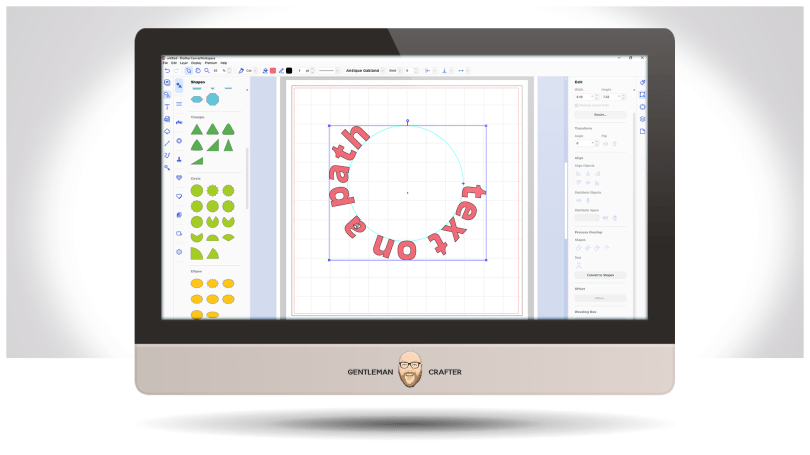
Well, it’s been a while but a few updates have been made to the toolset in the installable version of Canvas Workspace – and it applies to both Windows and Mac PC users.
Read More »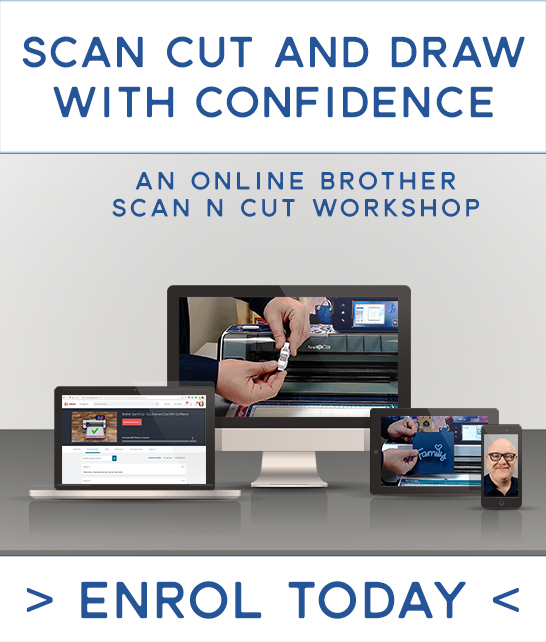
Hi all. I may have been a bit AWOL of late but it’s not because I’m ignoring you. In actual fact I have been working on a range of exciting projects and collaborations.
One exciting thing is that I am back in the ‘studio’ filming new content for the online video course for the Brother Scan N Cut that I created back in 2018. This is due to be released later this month and will include some cool new content.
Read More »

You must be logged in to post a comment.