Skip to content
  • Home
  • Blog
    • News
    • Paper Craft
    • Digital Crafting
    • Drawing and Painting
    • Fabric, Fibre and Yarn
    • Glass Crafts
    • Home Decor
    • Jewellery Making
    • Mixed Media
    • Needlepoint
    • Photography
    • Woodworking
  • SVG Cutting Files
    • Visit My Patreon Page
    • View SVG Cut File Sets for the Brother Scan N Cut Machines
    • View SVG Cut File Sets for Cricut Cutting Machines
    • View SVG Cut File Sets for Silhouette Cutting Machines
    • SVG Help
      • How To Import SVG Cutting Files in Canvas Workspace
      • How To Import SVG Cutting Files in Silhouette Studio
      • How To Import SVG Cutting Files in Cricut Design Space
  • Brother Scan N Cut Tuition
    • Brother Scan N Cut Tutorials on YouTube
      • Scan N Cut Tutorials – CM Models (YouTube)
      • Scan N Cut Tutorials – SDX Models (YouTube)
      • Canvas Workspace for PC Tutorials (YouTube)
      • Canvas Workspace for Web Tutorials (YouTube)
      • Canvas Workspace for Mobile Tutorials (YouTube)
    • Scan N Cut Courses on Udemy
      • Brother Scan N Cut – Cut, Draw and Scan With Confidence (Udemy)
      • Mastering Canvas Workspace (Udemy)
      • Design & Make A Memory Album with the Scan N Cut (Udemy)
    • Brother Scan N Cut Blog Posts
    • The Big List of Scan N Cut Links, Resources and Other Useful Stuff (Updated May 2026)
    • Brother Scan N Cut Creative Query Submissions
  • My Digital Craft Tools
    • How To Use the Online Distress Ink Blending Tool
    • How To Use My Free Online Paper Cutting Planner
  • About
    • Celebrating Creativity: About John Bloodworth AKA Gentleman Crafter
    • Contact Me
      • General Query
      • Brother Scan N Cut Creative Query
      • Cutting File Question
    • Links
Search
Close

GENTLEMAN CRAFTER

Official Blog of Arts and Crafts Enthusiast, John Bloodworth

Tag: Scan N Cut DX

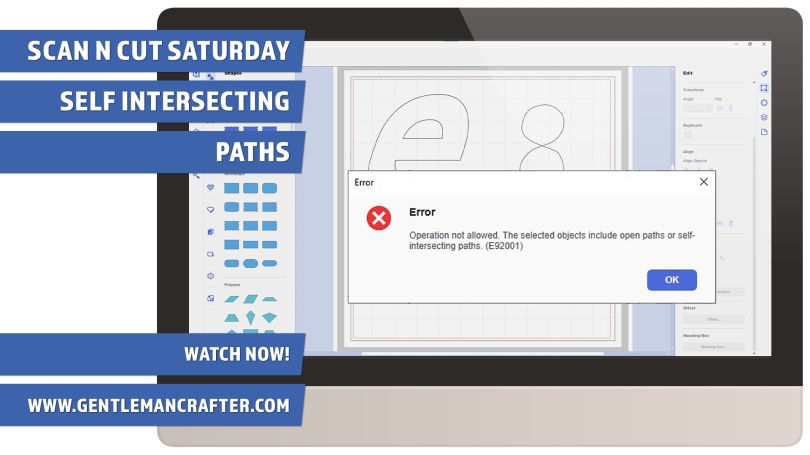
How To Extract Shapes from Existing Designs in Canvas Workspace

Best Way to Extract One Shape from Another in Canvas Workspace

April 23, 2022November 7, 2024 John - Gentleman Crafter6 Comments

Sometimes we look at designs and pass them by because we don’t like a part of the design however with the editing tools available in Canvas Workspace you can extract parts of a design easily – this video will show you how.

Read More »
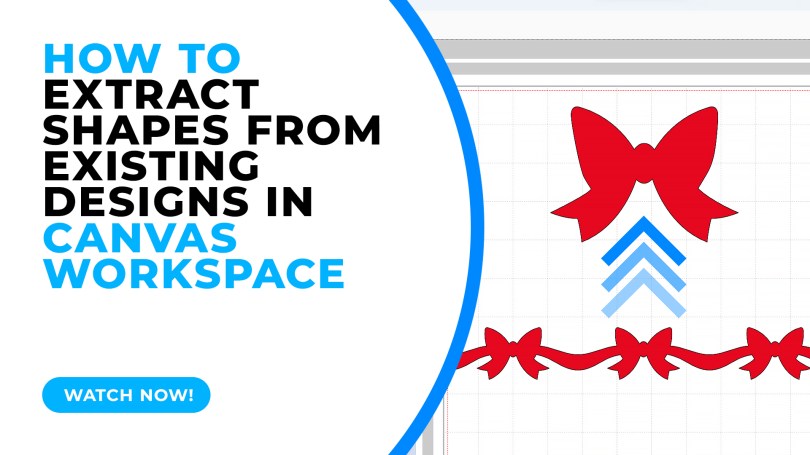
Scan N Cut Saturday – Self Intersecting Paths, WTH?!

April 9, 2022October 23, 2024 John - Gentleman Crafter2 Comments

A quick video about self intersecting paths. What they are and a couple of ideas for fixing them.

Read More »
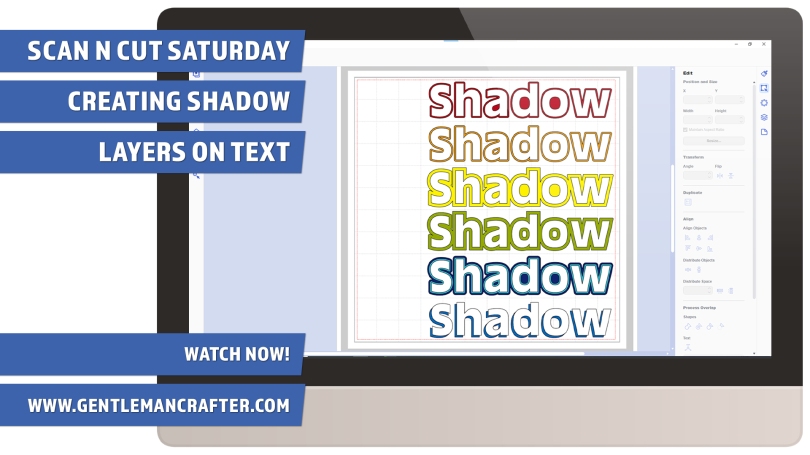
Scan N Cut Saturday – Creating Shadow Layers On Text

March 26, 2022March 10, 2022 John - Gentleman Crafter2 Comments

Creating shadow layers for text can create a little more drama in your design, they can also be used as part of an overall theme. The method is mostly the same but as ever I have my own little ‘hack’ that I wanted to share too.

Read More »
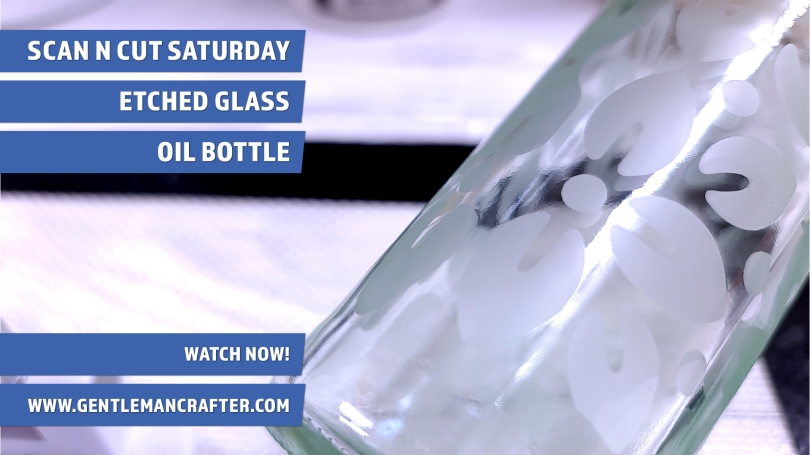
Scan N Cut Saturday – Etched Glass Oil Bottle

March 19, 2022March 7, 2022 John - Gentleman Crafter4 Comments

Had a go at glass etching recently with a vinyl stencil made with the Brother Scan N Cut. It didn’t go exactly to plan but I was happy to have had the chance to explore a little bit of creativity.

Read More »
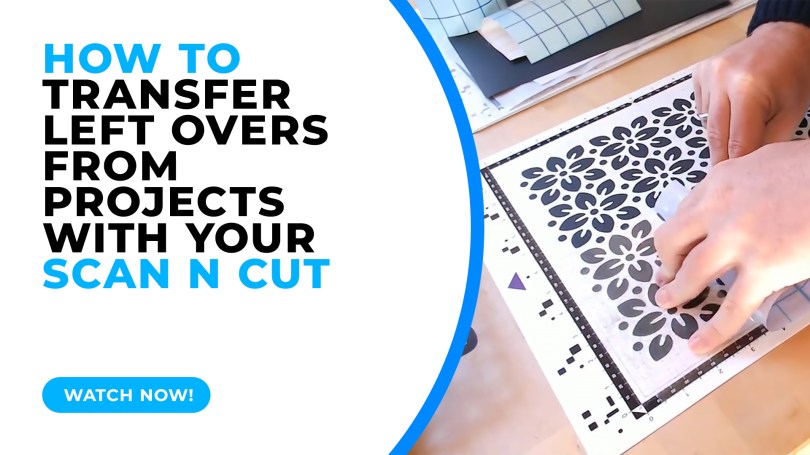
How To Transfer Left Overs from Projects with your Brother Scan N Cut

Scan N Cut Saturday – Transferring Left-Overs

March 12, 2022November 7, 2024 John - Gentleman Crafter7 Comments

A quick test lab video today showing some pros and cons when transferring the left-over cuts from your cutting mat.

Read More »
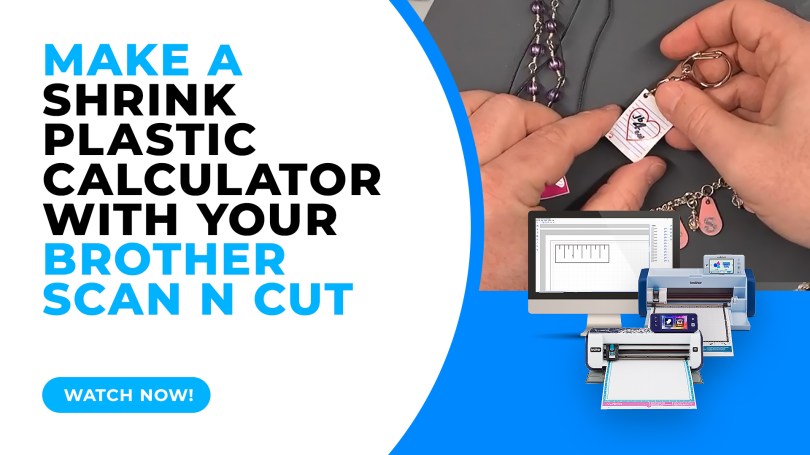
Make a Shrink Plastic Calculator with the Brother Scan N Cut

Make a Shrink Plastic Calculator with the Brother Scan N Cut

March 5, 2022November 5, 2024 John - Gentleman Crafter7 Comments

When cutting shrink plastic with the Brother Scan N Cut it can be a challenge to know how big to cut the piece to make it the right size when it shrinks. Here is a quick hack on how to create a shrink plastic calculator.

Read More »
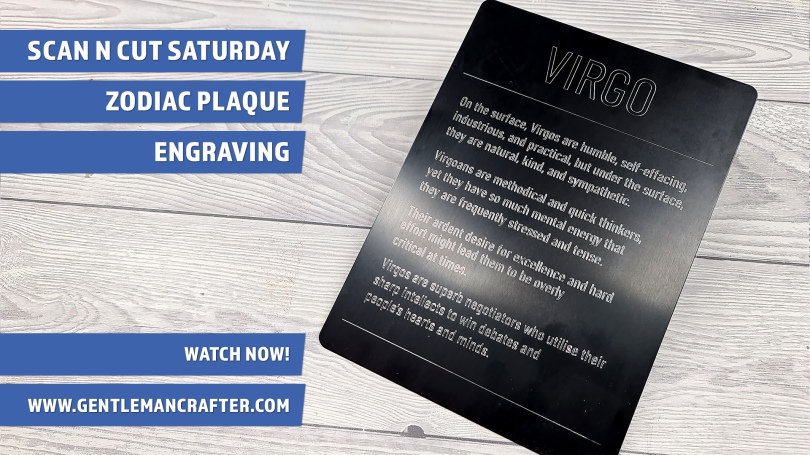
Scan N Cut Saturday – Creating an Engraved Zodiac (or Anything Else) Plaque

February 26, 2022February 20, 2022 John - Gentleman Crafter12 Comments

This week I have a quick idea to share with you about creating celebratory or consolation plaques using the Zoom Precision engraving tool and a large metal blank.

Read More »

Scan N Cut Saturday – Materials To Make Your Own Stencils and Masks With

February 12, 2022February 4, 2022 John - Gentleman Crafter4 Comments

In this week’s video instalment I will be giving you a brief look at a few of the things that you can make your own stencils and masks with in conjunction with your Scan N Cut.

Read More »
Create A Custom Faux Leather Key Fob with the Brother Scan N Cut

Create A Custom Faux Leather Key Fob with the Brother Scan N Cut

January 22, 2022October 31, 2024 John - Gentleman Crafter2 Comments

For this week’s Scan N Cut Saturday post I would like to share a project idea with you featuring faux leather and the new rotary blade.

Read More »
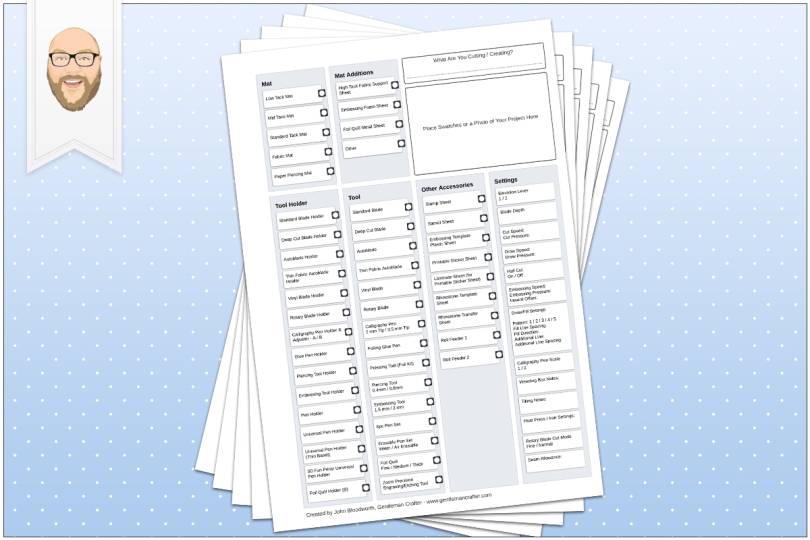
Scan N Cut Saturday – Accessories Checklist and Swatch Sheet

November 13, 2021November 12, 2021 John - Gentleman Crafter3 Comments

No video today, just a couple of useful downloads if your memory isn’t quite what it used to be, like mine.

Read More »
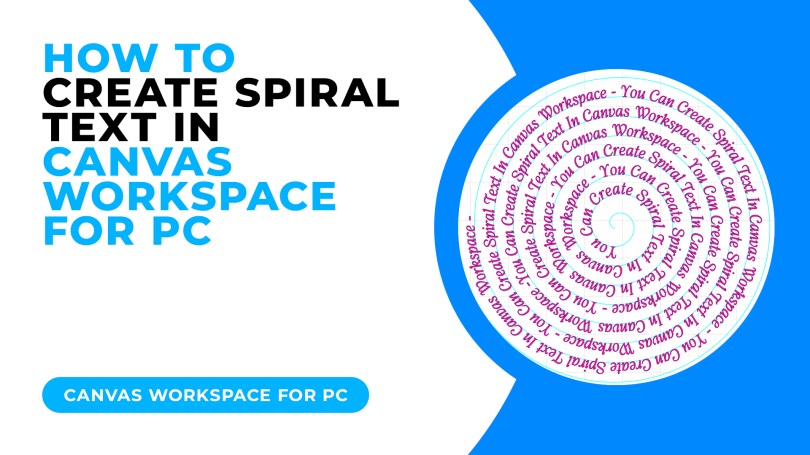
How To Create Spiral Text In Canvas Workspace

Creating Spiral Text in Canvas Workspace

October 9, 2021October 16, 2024 John - Gentleman Crafter28 Comments

Today I have a cool trick for you for creating spiralised text, it’s really easy and I am even offering a free download to go with this tutorial!

Read More »
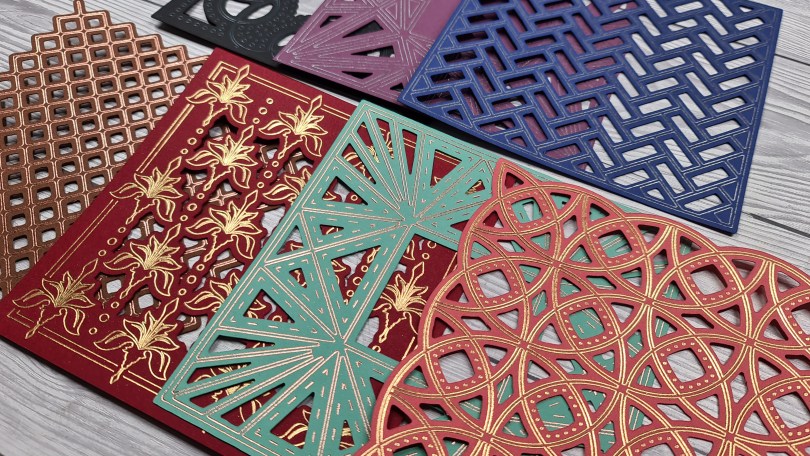
Cut Draw and More SVG Cutting Files – Now Available!

August 7, 2021May 19, 2023 John - Gentleman Crafter10 Comments

Very excited to let you know that I have just released a bunch of new SVG files based on my Cut, Foil and Emboss dies.

If you have a Brother Scan N Cut™, Silhouette™ or Cricut™ cutting machine, then you NEED to check these out!

Read More »

It’s BOTMing Time! Also, eating out and mini-cows galore.

April 11, 2021April 6, 2021 John - Gentleman Crafter13 Comments

Somehow another month has rolled around which means I get to have some stitchy fun – like I need an excuse – with this month’s Block Of The Month. Come see what I have been snipping and stitching when you have a mo.

Read More »

A Quick Look At This Months Bottom, And A Baby Cow Is Born!

March 28, 2021March 26, 2021 John - Gentleman Crafter8 Comments

For this months sewing project I decided to keep it simple so that I can practice at taking my time and not rushing/bumbling my way through. I also made the decision to change things up and go a bit old school.

Read More »
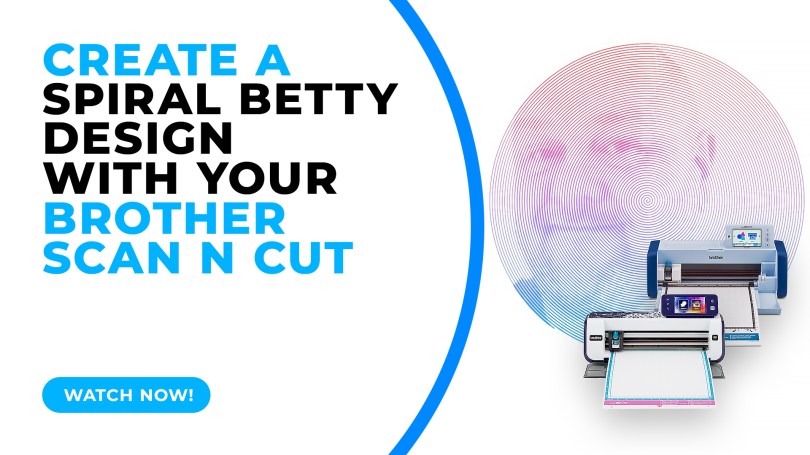
How To Create A Spiral Betty Design With Your Brother Scan N Cut

How To Make A Spiral Betty Design With Your Brother Scan N Cut

March 27, 2021November 5, 2024 John - Gentleman Crafter14 Comments

Popular with Cricut users this trend has been all over social media so I thought that I’d be a sheep and follow the herd but give it a go with me Scan N Cut.

Read More »

Posts navigation

Older Posts
Newer Posts
Website Powered by WordPress.com.
Back to top
GENTLEMAN CRAFTER
Website Powered by WordPress.com.
  • Subscribe Subscribed
    GENTLEMAN CRAFTER
    Join 4,185 other subscribers

    Have a WordPress.com account? Log in now.

  • GENTLEMAN CRAFTER
    View site in Reader
    Manage subscriptionsSign upLog in
    Report this content
    Collapse this bar
Loading Comments...

You must be logged in to post a comment.